
Resources & guides / Annual report design

Annual report design:
The power of an interactive brand story

Guide: 1 min read

Guide

12 min read

Updated · Apr 2026

Create with AI

Whether you are a global organization or a growing startup, a well-designed annual report is a powerful tool for amplifying your brand message and engaging everyone from investors to customers with a positive and visually compelling narrative of your year.

Annual report design, Vev, no code, interactive report design

Basics

What is an annual report?

“Annual report” is a deceptively simple term that has come to house a plethora of different forms of branded content. Depending on the size and nature of your company, it signifies wildly different things—from financial reports to year-in-review storytelling.

In the traditional corporate sense, an annual report is a chronicle of a company’s key activities, operations, and financial health for shareholders, potential investors, analysts and other stakeholders. It’s a huge document that can run up to hundreds of pages.

Yet increasingly, annual reports are becoming elite marketing tools for strengthening brand awareness. They celebrate company achievement, build connection with customers and employees, and hammer home important brand messages. These steer readers through an entertaining and engaging narrative, and—in the case of examples such as Spotify’s Wrapped—can cleverly make the customer the hero of the story, instead of the brand.

Building Blocks

What to include in an annual report

Annual reports are an opportunity to provide an in-depth analysis of your company’s overall performance and health—which is vital information for investors, stakeholders, and even public consumers who are increasingly demanding transparency from influential corporations.

There are various reasons why businesses and organizations produce these reports, and depending on the nature of your business, the format, design, and content you choose to include will vary dramatically. The two main, distinct types of annual reports are:

Traditional corporate annual reports

These typically include an opening editorial from the chairman or CEO, and:

  • audit reviews,

  • testimonials,

  • financial performance statements.

In many jurisdictions, these types of annual reports are a legal requirement—particularly for public companies.

Branded annual wrap-ups

This is the modern answer to an annual report. Annual wrap-ups or year-in-review content use storytelling to amplify company values and foster a sense of community around a brand. These often highlight:

  • stats on customers and the product
  • corporate responsibility segments
  • company achievements.

Of course, your annual report can straddle both of these approaches—depending on the level of reporting you need to include and your overall brand strategy. Here are a few things to keep in mind:

Financial Audit

Numbers and data can quickly become dense and overwhelming.

Annual reports make use of data visualization techniques such as charts and infographics to break down numerical data and statistics so information such as income statements, balance sheets, and financial summaries are easily understood.

Communication

When done right, annual reports can be great pieces of corporate communication. Use your report to highlight marketing strategies, executive changes in the pipeline, and future plans.

Doing this will keep all stakeholders in the loop, and offer a transparency that builds trust between your company and audience.

Marketing and Promotion

Many companies use annual reports as another medium for promoting marketing initiatives.

As a marketing tool, they are a link between audiences and the company itself, and a perfect opportunity to use visual storytelling to engage, share and promote company values and feel-good stories.

Company Milestones

Reaching major milestones and achievements is something to be celebrated.

Sharing these accomplishments with your audience highlights the positives of your company and increases brand awareness. Be bold with your design - be it through oversized text, or bright visuals - when it comes to mentioning your big wins.

Formats

Choosing the right annual report design format

Annual reports used to be created using PDFs or other static content creation tools, and often ran to hundreds of pages. (If you’re still doing it this way, it’s time to catch up!) Digital consumers are increasingly expecting more personalized and immersive digital content experiences—and with our increasingly shorter attention spans, content needs to cut through the noise quickly.


Modern web creation platforms have come a long way in helping companies access cutting-edge, interactive digital formats and techniques to ensure their most critical branded content is memorable. Aside from improving reader engagement, choosing a dynamic annual report design format can also bolster your brand’s perception as relevant, innovative, and contemporary. Here are just a few popular options consider:

Interactive presentations

A static PDF won’t cut it these days. Interactive presentations full of video content, animations, and reader participation are a novel alternative. This format allows you to combine storytelling with interactive content such as quizzes to engage your audience.

E-magazines

Another sophisticated alternative to the traditional flat PDF or printed brochure. This editorial format allows you to use a design you are already comfortable with, while taking advantage of all the flourishes, animation, interactivity, and rich media that modern web design has to offer.

Microsites

Swap the traditional linear annual report experience for a multi-directional world that readers plot their own path through. Microsites are a perfect format for annual reports, as they force you to structure and deliver your information in a way that’s clear and digestible.

Landing pages

As with microsites, landing pages exist as a microcosm within a brand’s digital presence. Direct and immediate, they allow you to steer website visitors on to related content or take a specific action. Leverage animation and visual storytelling techniques to keep people scrolling.

Exmples

Stunning annual report examples

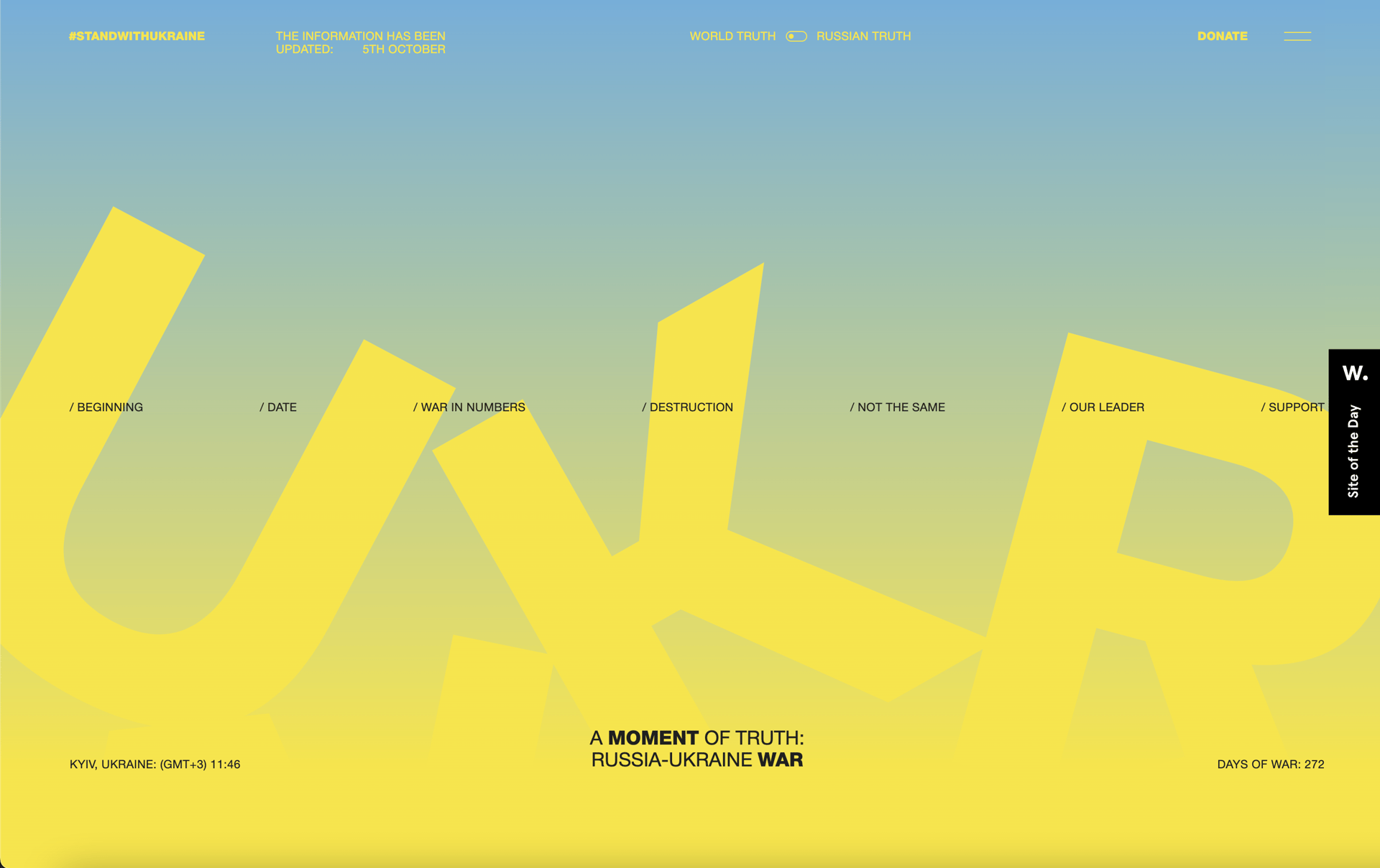
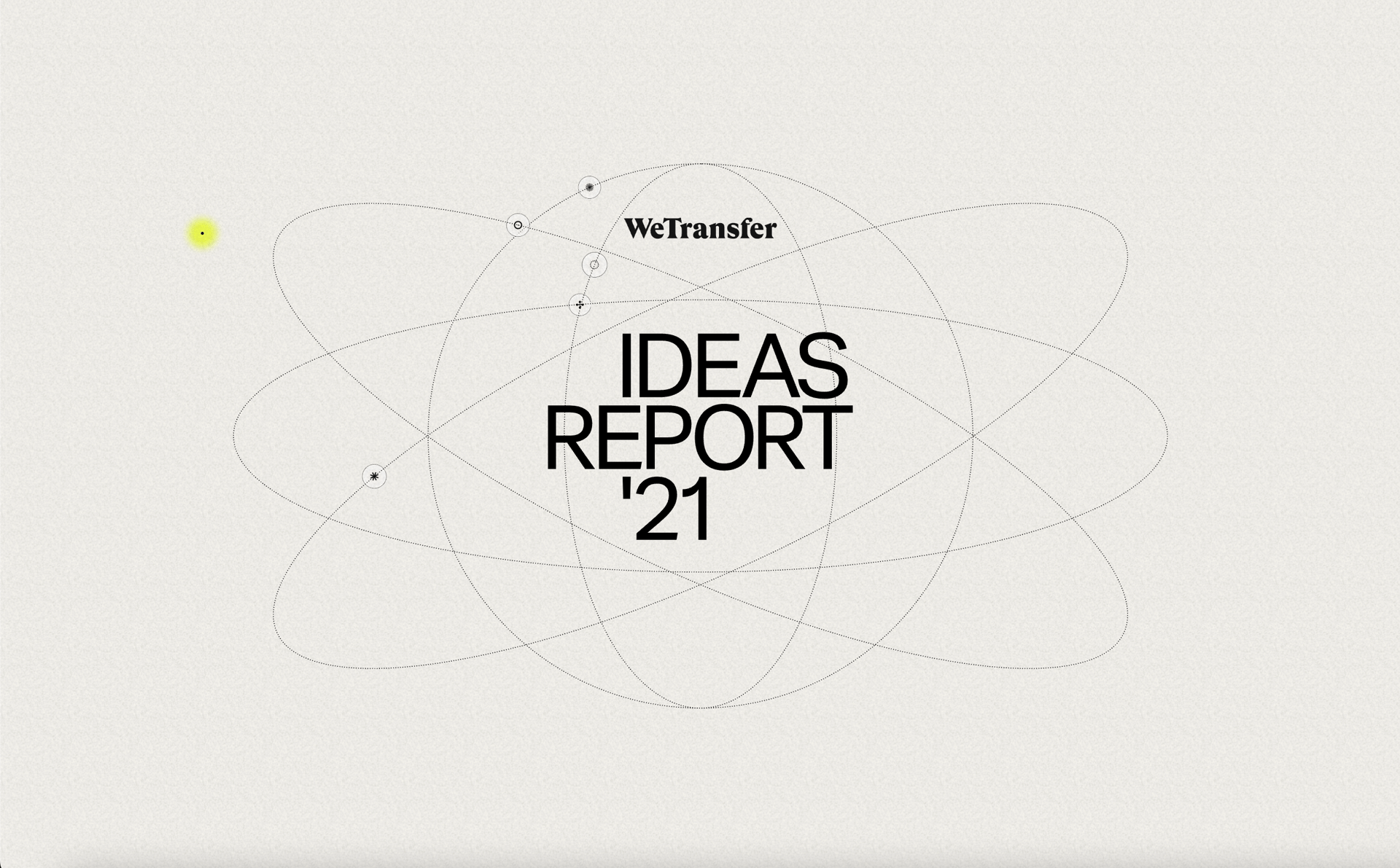
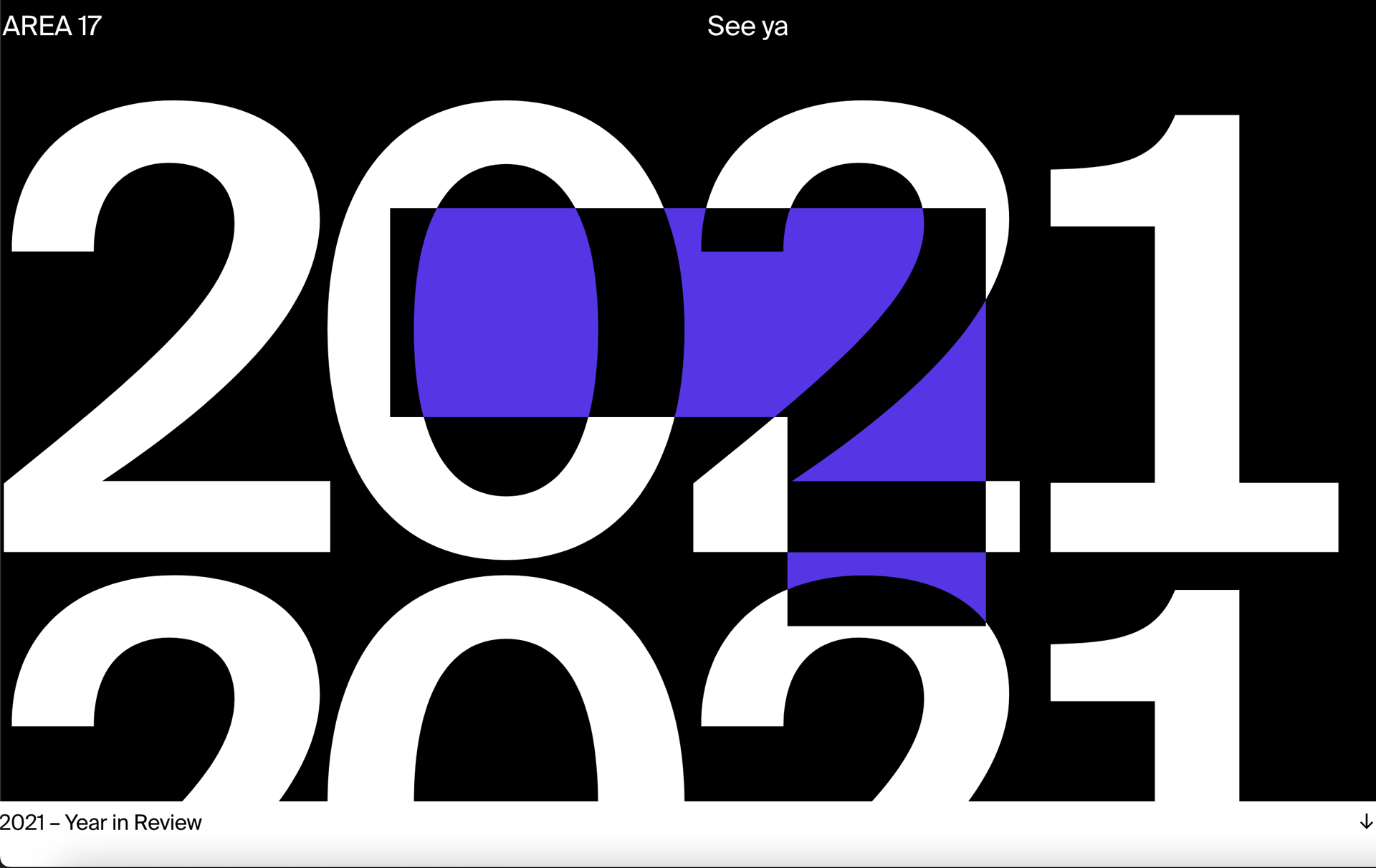
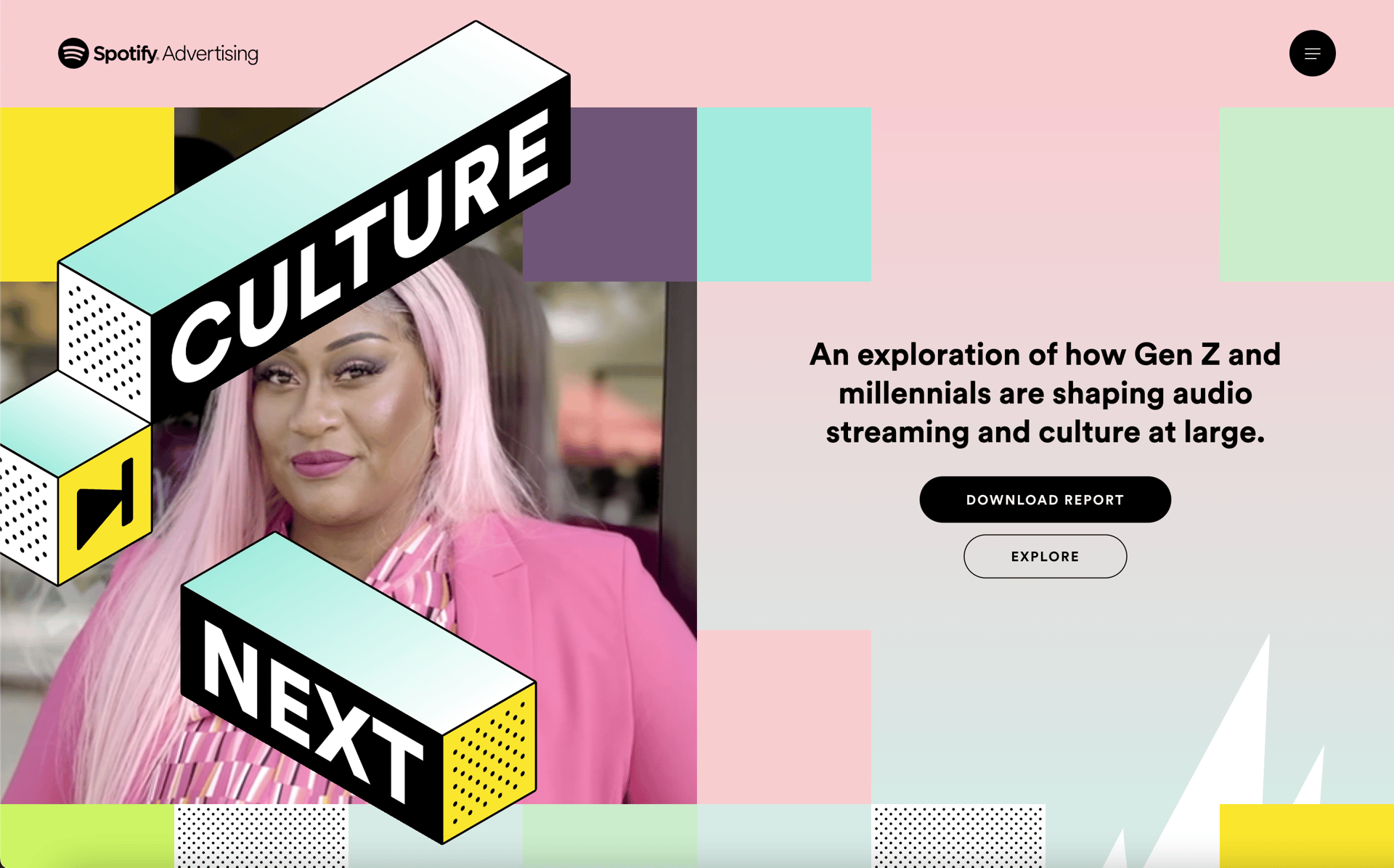
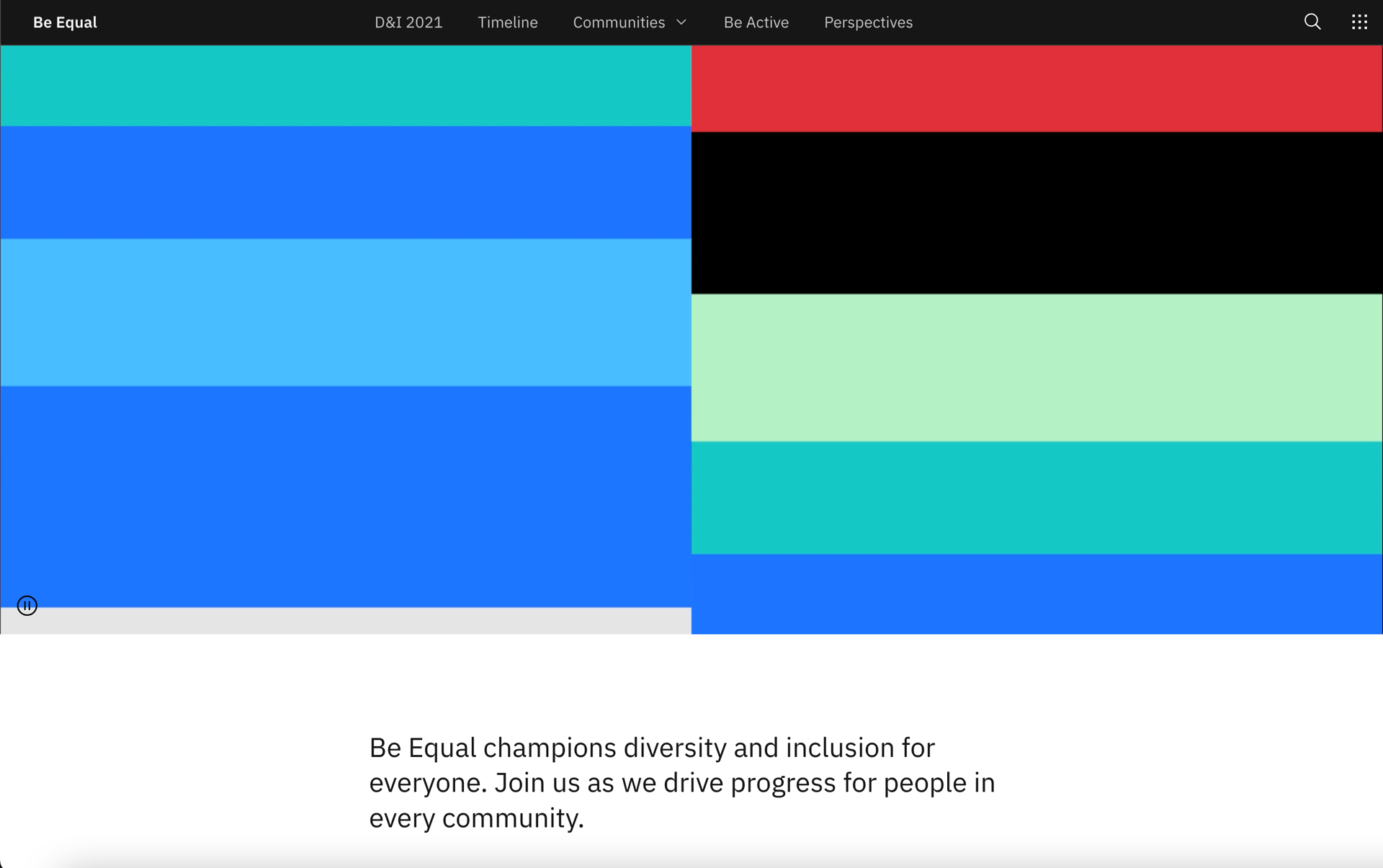
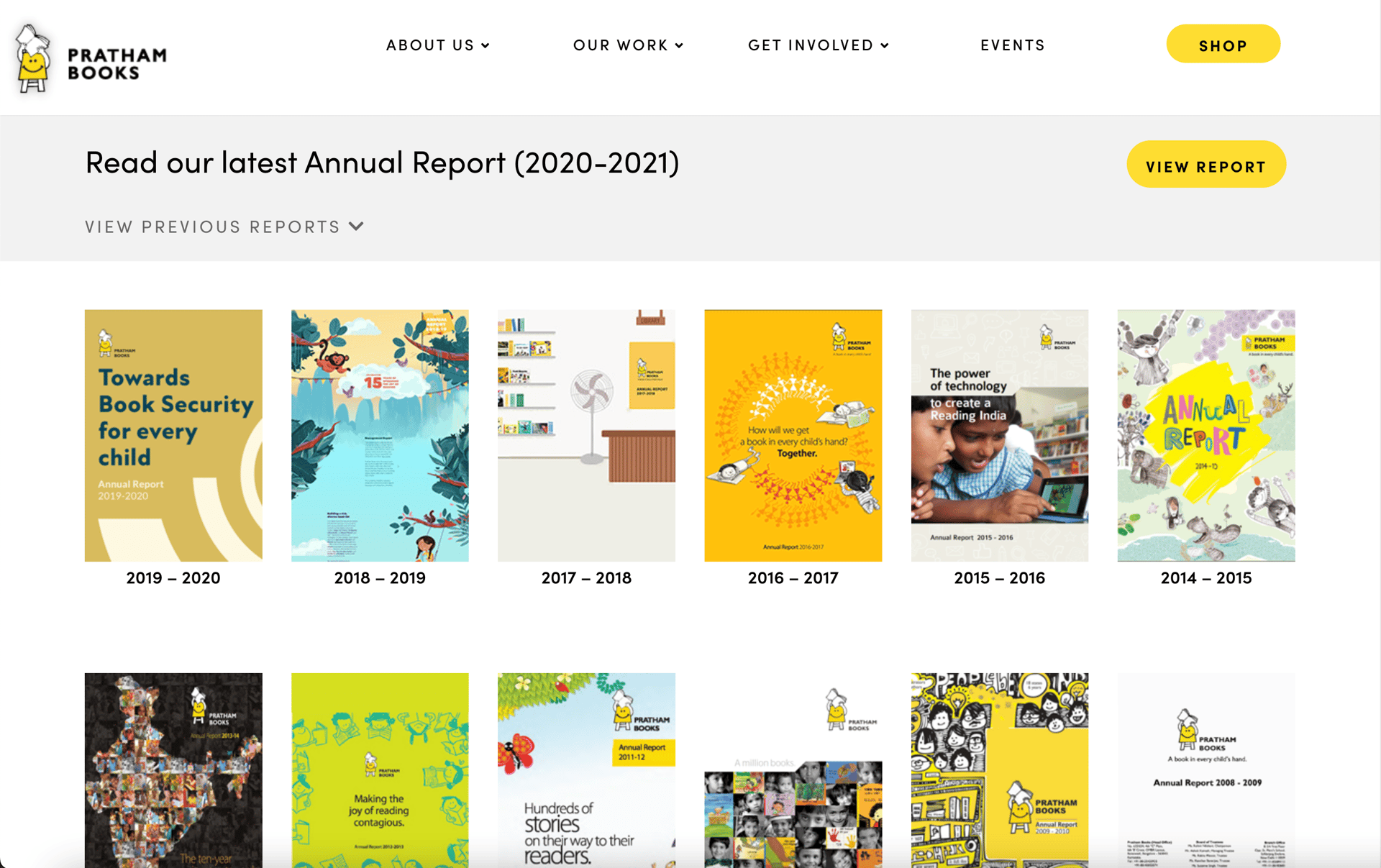
Wondering how these effects work in context? Take a look at these annual report examples to draw inspiration for your next project.

Design Techniques

Popular annual report design techniques

There are many benefits to building a web-based annual report filled with interactivity and animation over a static PDF one. It’s a huge opportunity to be creative and show your brand personality in an authentic way. From interactive maps and charts, to horizontal scrollytelling, here are a few of the most interesting annual report design techniques to experiment with.

Scrollytelling sections

Beloved by The New York Times, scrollytelling brings visuals and text together seamlessly. Try them with video backgrounds, or a group of stacked still images.

Horizontal scrolling timelines

Build horizontal scrolling timelines to communicate complex sequences and chronological storytelling.

Scroll progress indicator

Encourage your audience to keep scrolling with a scroll progress bar.

Parallax scroll

Create effortlessly slick content by adding depth and dimension with parallax scroll.

Hotspot images

Add clickable labels to let readers explore elements of an image in greater depth.

Image carousel

Break up heavy sections of text with image carousels and slideshows. Great for working subtle interactivity into your content.

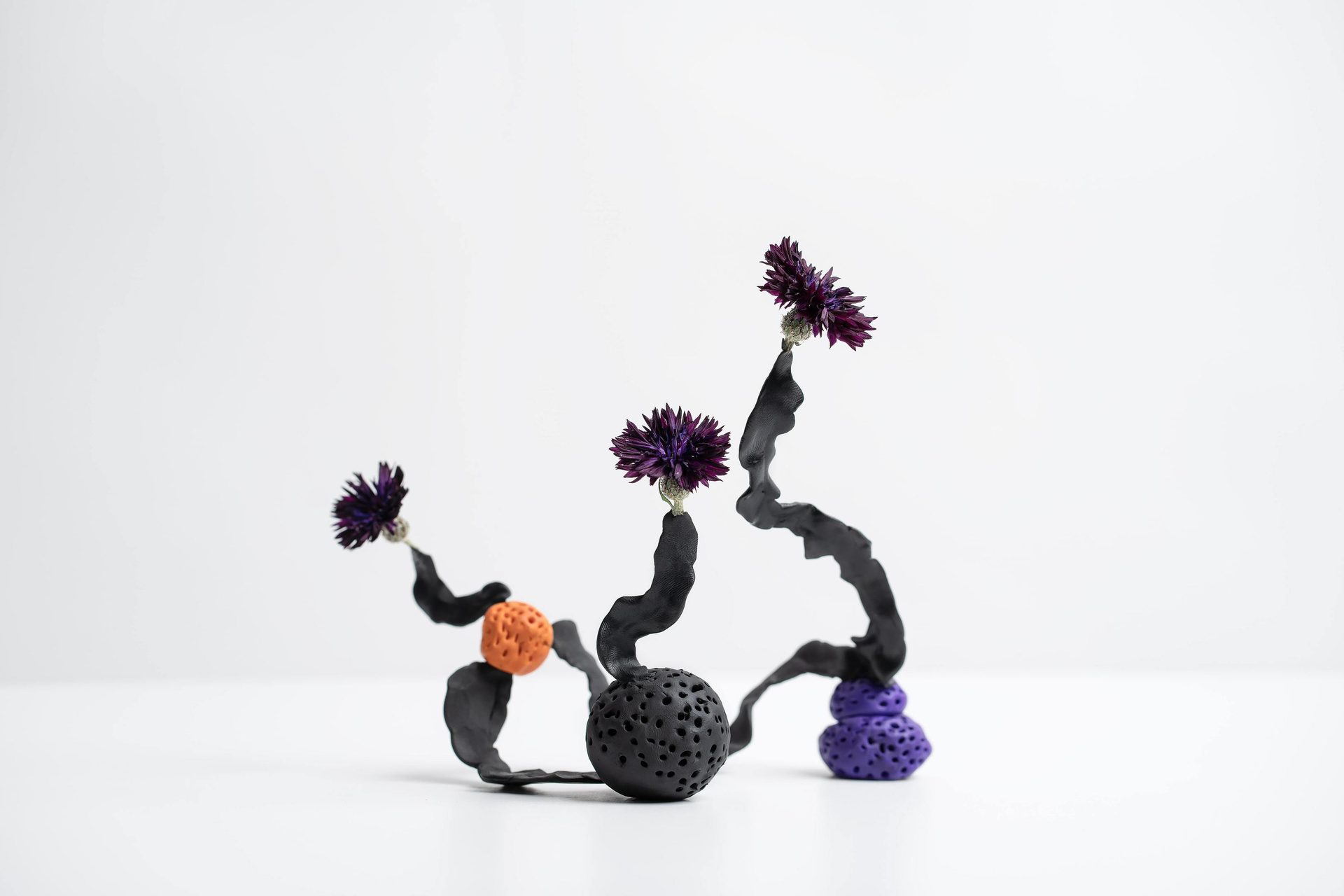
Purple, Gesture, Violet
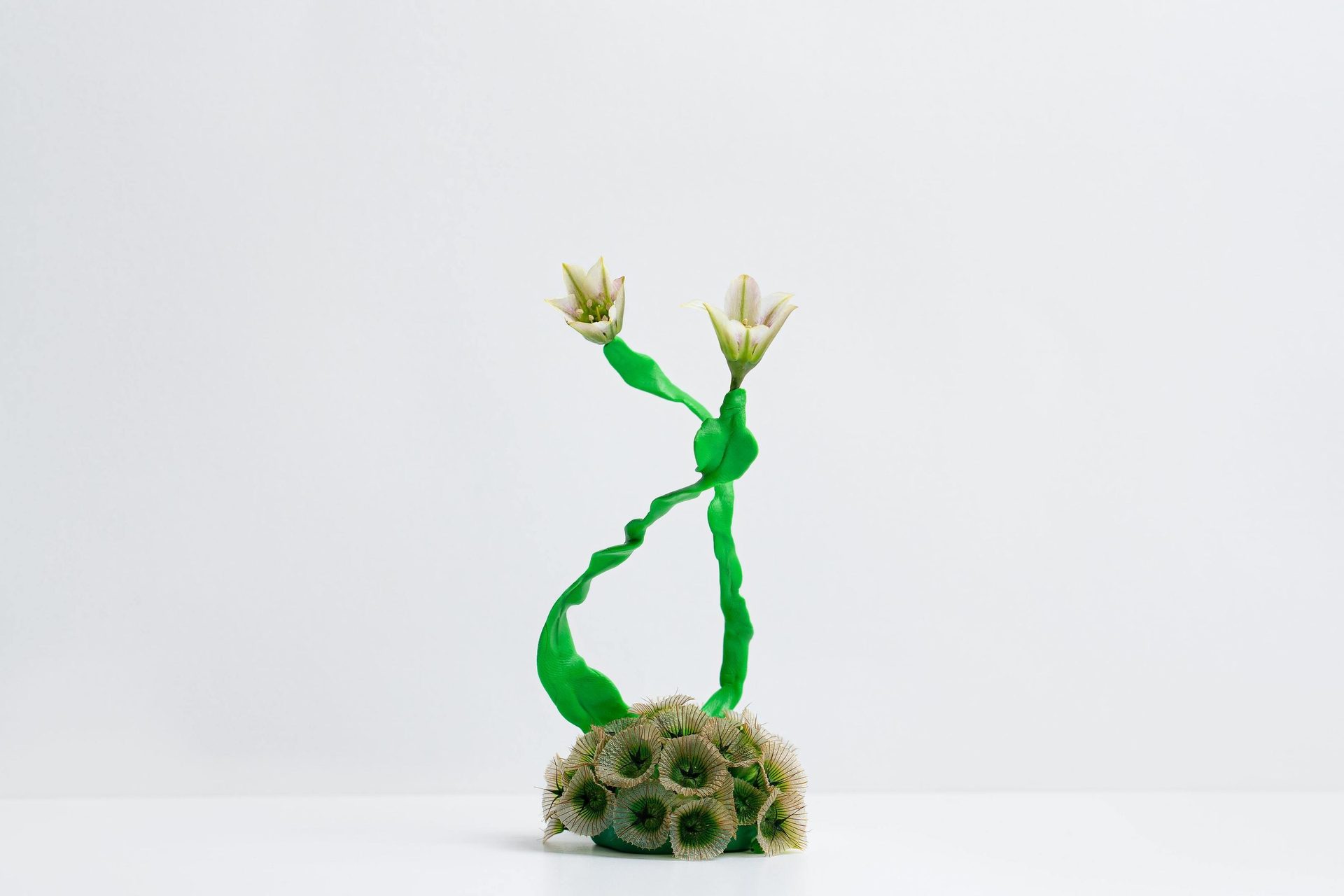
Plant, Art
Creative arts, Terrestrial plant, Twig
Plant, Flower, Petal, Toy, Gesture, Art, Liquid

3D Elements

Bring instant wow-factor (and another dimension) to any web design.

Number Counter

A popular choice for stressing key statistics through gentle animation.

0

Lottie Animations

Inject instant visual excitement and nudge readers to take key actions.

Scroll speed

Add subtle depth and movement to your design, and make certain elements linger on the page.

Video background

A must for visual storytelling, grabbing reader attention and lending your report a cinematic feel.

Animated Charts

Turnturn dry data into visual focal points that breathe and unravel as readers scroll through.

No-code Design

No-code is revolutionising interactive annual report design

As such a personal piece of branded content, your annual report needs to feel genuine and rooted in your organization.

For NGOs, startups, and small businesses, it can be extremely expensive to create an annual report, particularly if more interactive design is involved. For larger enterprises, it can be time consuming, requiring tremendous back-and-forth as creative control becomes distanced from in-house brand and marketing teams.

More often than not, the result is a lacklustre slideshow or static PDF in an effort to avoid the cost and time involved in creating an experiential content-piece. Yet, this doesn’t have to be the case.

The rise of no-code web creation tools is removing the technical barriers, timelines, and costs traditionally involved in producing premium annual reports with an external agency. Armed with a library of pre-coded interactive design components, you can quickly produce exciting interactive annual reports for a fraction of the cost, while publishing the report to your existing domain through our export and embed functionalities.

Learn More ↗

Tutorial

How to build an interactive annual report In Vev

Get a whistle-stop tour of designing a slick, animated annual report in Vev without coding a thing. You can find the complete template used in this video inside Vev to take a closer look at how all the sections we’ve covered fit together, and even copy them into your Vev project to customize them to your own branding.

Full Tutorial ↗

Best Practices

Annual report design best practices

There are average annual reports, and then there are great annual reports that make us forget we are even looking at a report at all because they are fun, engaging, and full of personality. While creating a standout annual report may seem tricky, it’s not as hard as you might think. Follow these annual report design best practices to create a communication people actually want to read.

Focus on human stories

Even the more corporate annual reports are increasingly moving away from data-heavy reporting and dry messaging. Nowadays, people want relatable content. Topics like company milestones or achievements, fun facts, feel-good stories, even financial data can be visually engaging when presented in an accessible way.

Give it a narrative focus

Storytelling appeals to our senses and emotions. Plus, it’s a powerful marketing strategy. As with any story, the key is showing audiences, rather than simply regurgitating information. Turn financial data and dry statistics into visual blocks or dynamic infographics that draw in readers and leave a lasting impression.

Make it interactive

Want to keep audiences engaged? Forget static PDF formats and make your next annual report an interactive experience. Let your readers navigate the story at their own pace through the use of micro-interactions that encourage scrolling, or animations that drive interest and encourage exploration. Any form of simple movement can easily enhance the experience, particularly if your annual report has an eye-watering page count.

Design with distribution in mind

When creating your report, consider how it will actually be consumed. You’ll want to prioritize designing for the device your audience is most likely to use, while ensuring it is completely responsive for all screen sizes. Think about social distribution channels and content formats too, so parts of your report can easily be cut, sliced, and repurposed in images, video reels, multiple-card stories, pull quotes, and more.

Cover Design

The importance of a good annual report cover design

Looking at the big picture is all well and good, but don’t fail when it comes to the detail. If you’re creating a long-form annual report, a well-designed cover is essential. This is the visual that will be plastered across all your marketing distribution materials—social media, website banners, newsletters, landing pages, and beyond. It’s the first impression of your annual report and your brand, so it needs to pop.

Your annual report cover will act as an introduction to a whole year's worth of activity, so it will take some planning. As a starting point, ask yourself these three questions:

Who is your core audience?

Even within brand guidelines, you’ll want to tailor your cover design to match the tone and content of your report. A corporate financial report will likely need a very different look and feel to a report celebrating young creatives in your community.

What are you communicating?

Key messaging needs to be front and center. Good annual report cover design is a shared effort between designers and copywriters, and neither should work in isolation of the other. Collaborate to get the message right.

Where will this be viewed?

If you are designing for web, then consider the different devices and platforms your cover art should be optimized for. You’ll need to design for mobile, tablet and desktop, as well as altering your dimensions for social media.

Font
Art, Font
Font
Material property, Smile, Font
Material property, Colorfulness, Azure, Rectangle, Font
Product, Font

The style of your cover design should set the creative direction for the rest of your report and any surrounding content, such as landing pages. If your cover is graphics-led, your report shouldn’t then be dominated by photography or typography. Whatever you decide, make sure your artistic choices are consistent. People should see the cover and the full annual report as one piece of content.

FAQs

I have a question about annual report design...

An interactive annual report is a digital, web-based version that allows users to engage with content through elements like clickable navigation, animations, videos, and interactive data visualizations.

Unlike traditional printed or static PDFs, interactive reports provide a more engaging user experience and can convey complex data in a dynamic, user-friendly format. They also allow a more unique narrative to be told about your brand.

Several no-code platforms are available for creating interactive annual report designs, but you'll find it hard to beat the creative and technical freedom offered by Vev.

Vev gives you to tools to build custom layouts, add multimedia assets, and pre-coded interactive features without the need for coding skills.
Interactive elements you may include:

- Clickable navigation menus for easier page exploration.
- Interactive charts and graphs that users can hover over to get detailed data.
- Embedded videos for leadership messages or company stories.
- Sliders or animations to display timelines, growth trends, or progress.
- Scrollytelling sections to help visualize your messaging.
- Hover animations to keep your audience engaged.

These elements make the report more engaging and help convey information in a digestible way.
When designing in Vev, use responsive design features to ensure that your report adjusts to various screen sizes, including mobile devices. We have pre-set breakpoints, or you can set your own. You should also use our auto-layout feature when building your design.
Read more here
Whilst old-fashioned PDF reports likely had an average or median number of pages, when it comes to digital annual reports, there’s no fixed length. Short-form and long-form content can both perform well, as long as all of the information is valuable and relevant.

Striking a balance between informative content and engaging visuals is essential, so avoid unnecessary text and focus on key information that your audience values. If it's fun and engaging, people will keep scrolling!

Resources

More on annual report design

Material property, Purple, Azure, Font, Violet, Line

5 Tricks for Creating an Interactive Annual Report in Vev

Futuristic tunnel with glowing text "SUSTAINABILITY" and a screen showing "NEXT LEVEL SUSTAINABILITY."

The Ultimate Annual Report Design Inspiration & Tips

Font

13 Stunning Annual Report Examples (And How They’re Made)

Personal computer, Laptop, Gadget

10 Year in Review Examples with Strong Brand Personality

Ready to design a memorable annual report?

Vev’s library of pre-coded design components lets you bring your annual report to life just as you imagined it. Publish your annual report anywhere on the web when you’re ready.

Soft blue glow on a dark background.