


The Framer alternative built for teams
Looking for an alternative to Framer? Here’s a clear comparison so you can choose the platform that actually scales with your needs.

Delivering sustainable growth through creativity and innovation.
Annual Report
Luca
Paige
Elena










Framer wasn’t built for teams with an existing CMS
You don’t need a new CMS. You need a tool that works with the one you already have. Framer’s infrastructure is self-contained: once you’re in, your content, hosting, and CMS are all locked to Framer. For enterprise teams with established stacks, that’s rarely the right trade-off.
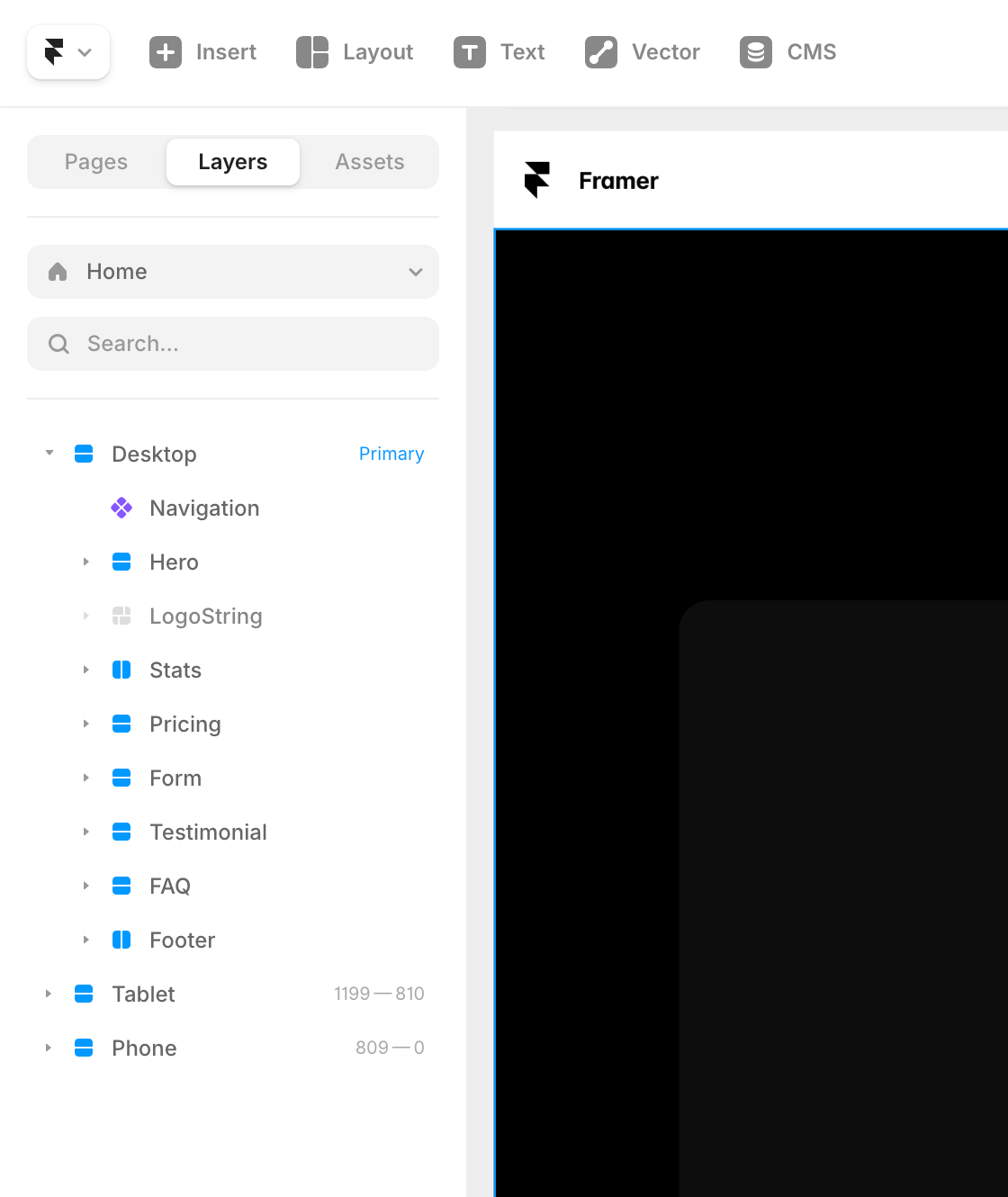
What is Framer? A visual website builder that started as a design and prototyping tool, best known for its strong animation capabilities and Figma-like canvas. Framer is popular with freelancers, designers, and small teams building standalone sites—and has introduced AI site generation in recent years. Enterprise teams often run into its limits around CMS integration, governance, and multi-team workflows.
What is Vev? The enterprise-first no-code platform for interactive content. Where Framer keeps your content inside its own infrastructure, Vev publishes clean HTML/CSS/JS directly into any CMS you’re already running—no lock-in, no parallel stacks. With AI built into the canvas, your team goes from brief to published faster without adding headcount or tools.

Pitch deck
Quiz
Annual reports
Sports marketing
Science communication
Sponsored content
Brand storytelling
Campaign landing pages
Microsites

Presentations
Live, interactive decks that don’t feel flat.
Annual reports
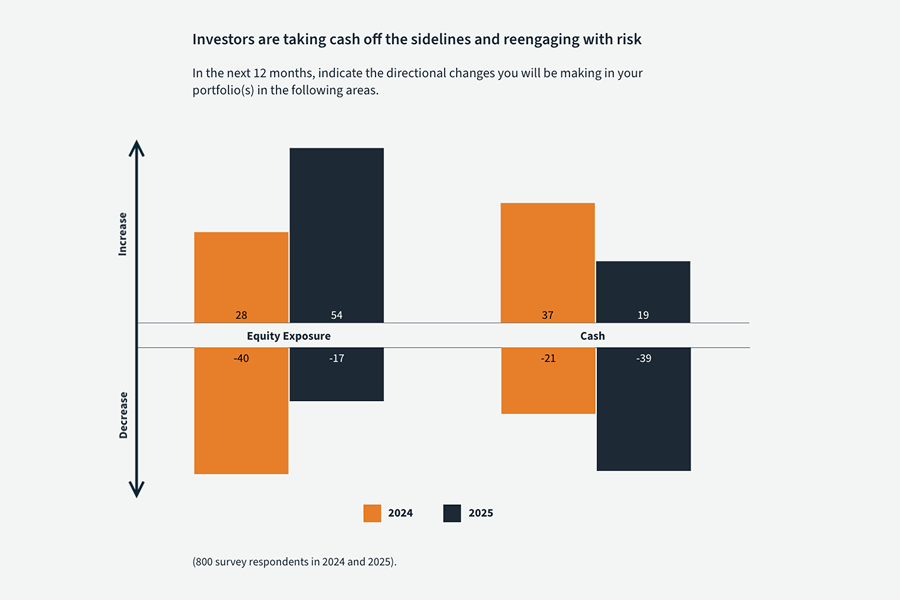
Scrollable reports stakeholders actually read.

Sponsored content
Polished, on-brand partner content built fast.
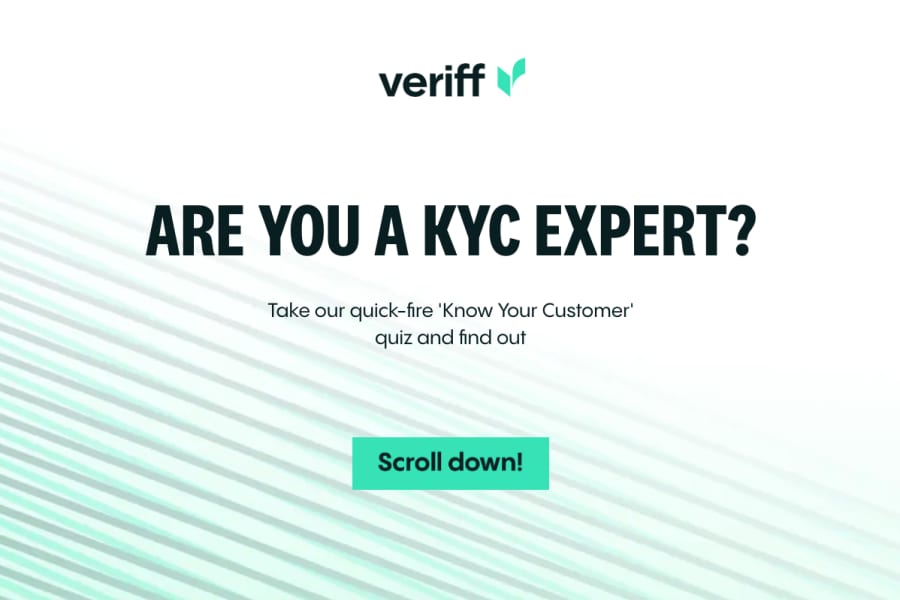
Quizzes
Engaging experiences that capture leads.
Presentations
Live, interactive decks that don’t feel flat.
Annual reports
Scrollable reports stakeholders actually read.
Sponsored content
Polished, on-brand partner content built fast.
Quizzes
Engaging experiences that capture leads.
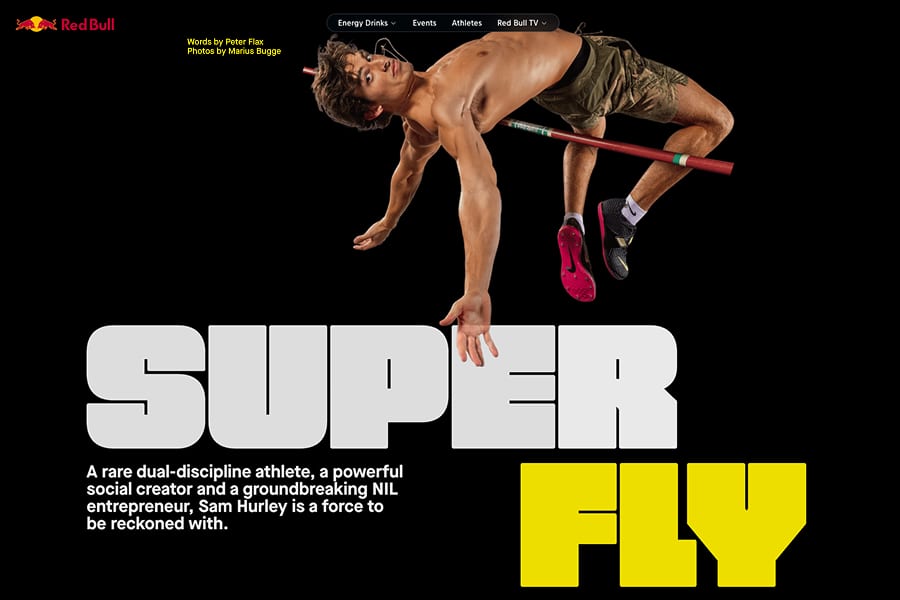
Sports marketing
Engage fans and deliver ROI for partners.
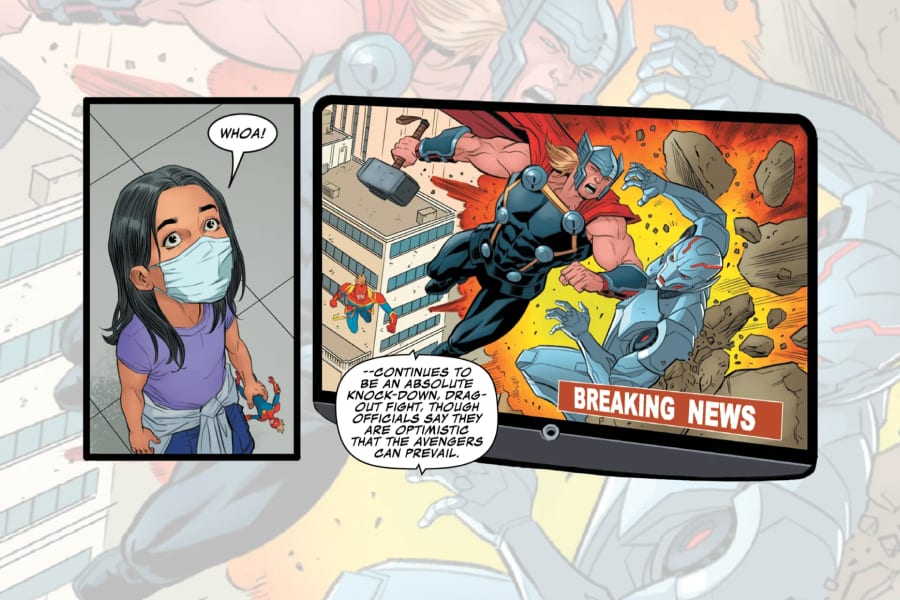
Science communications
Complex ideas with visual storytelling.
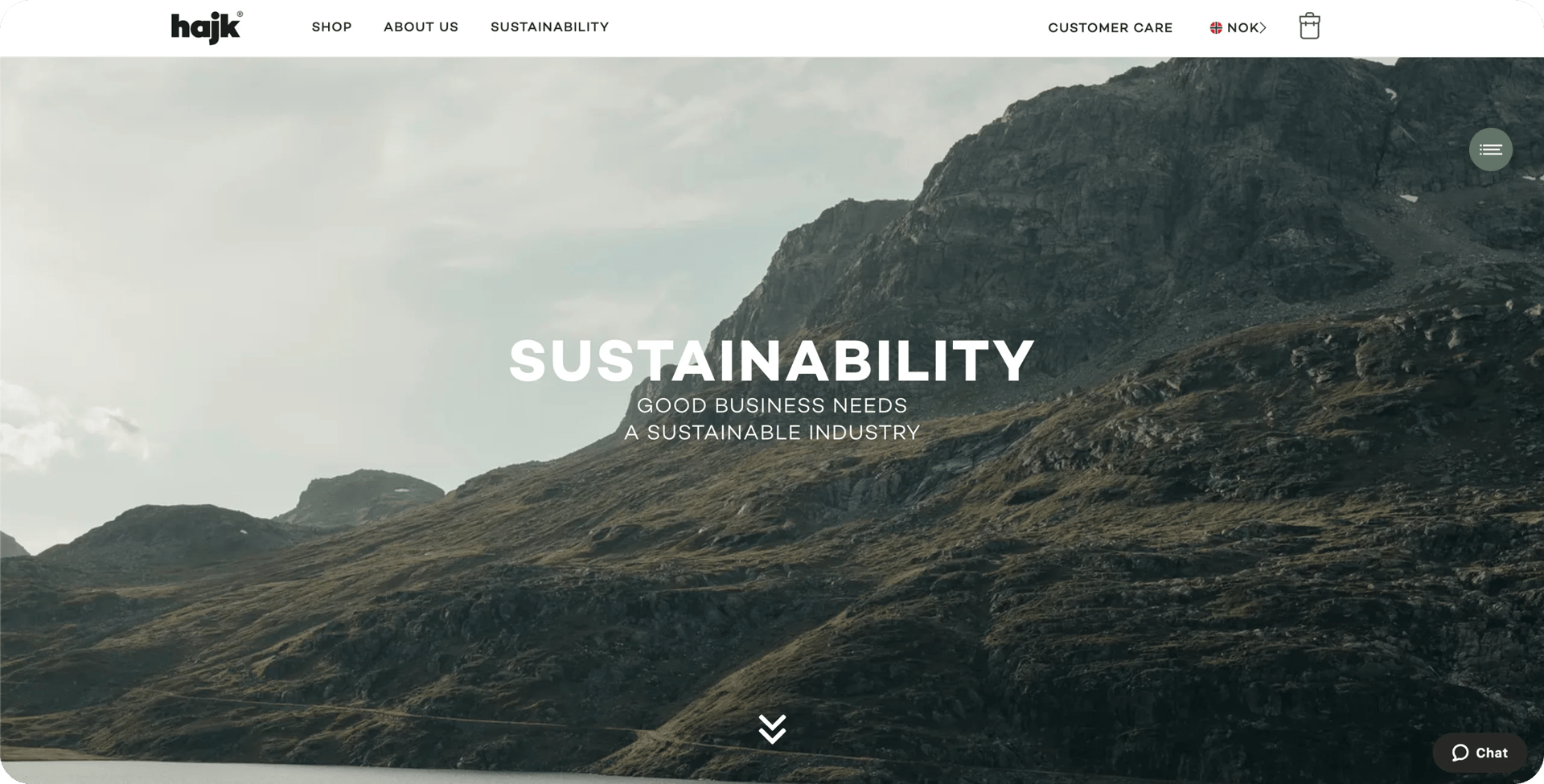
Campaign landing page
Campaign pages shipped in hours, not weeks.
Microsites
The go-to format for marketing campaigns.
Sports marketing
Engage fans and deliver ROI for partners.
Science communications
Complex ideas with visual storytelling.
Campaign landing page
Campaign pages shipped in hours, not weeks.
Microsites
The go-to format for marketing campaigns.
Campaign landing page
Campaign pages shipped in hours, not weeks.
Science communications
Complex ideas with visual storytelling.
Presentations
Live, interactive decks that don't feel flat.
Annual reports
Scrollable reports stakeholders actually read.
Campaign landing page
Campaign pages shipped in hours, not weeks.
Science communications
Complex ideas with visual storytelling.
Presentations
Live, interactive decks that don't feel flat.
Annual reports
Scrollable reports stakeholders actually read.
Sports marketing
Engange fans and deliver ROI for partners.
Quizzes
Engaging experiences that capture leads.
Sponsored content
Polished on-brand partner content built fast.
Microsites
The go-to format for marketing campaigns.
Sports marketing
Engange fans and deliver ROI for partners.
Quizzes
Engaging experiences that capture leads.
Sponsored content
Polished on-brand partner content built fast.
Microsites
The go-to format for marketing campaigns.
See how Vev compares
CMS freedom
CMS-agnostic: publish into any CMS (Adobe, Contentful, Sanity, etc.) or run standalone.
Locked to Framer’s infrastructure. No publishing into an external CMS; you risk running two stacks in parallel.
Editor
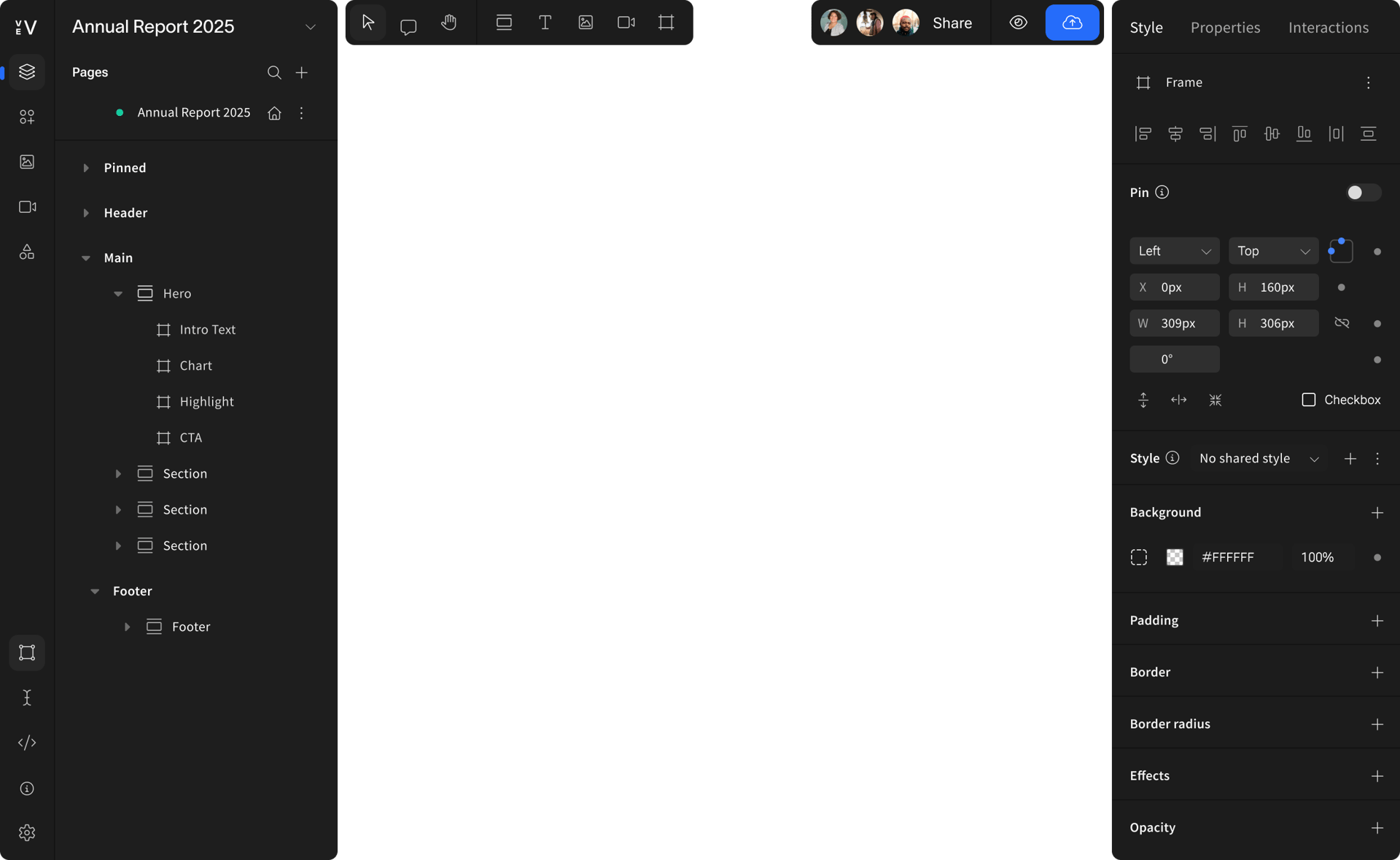
Freeform drag-and-drop canvas like Figma, built for enterprise content production—with reusable Libraries, component governance, and multi-brand control.
Freeform canvas with strong visual design capabilities. Excellent for freelancers building standalone sites; less suited to multi-team enterprise workflows requiring governance and reuse at scale.
Vev AI
Vev AI is built into your production workflow. Element AI generates fully editable custom interactive elements from a text prompt, natively on the canvas—describe it, watch it appear, refine it with the tools you already use. Page AI generates full on-brand layout drafts in minutes; it is brand-aware via Themes, with a plan-first UX that lets you approve the theme and section structure before generation commits. Everything happens where you already build and publish.
Framer AI generates a full site from a text prompt—fast for starting from scratch. Outputs are generic, not connected to your design system or component library, and not suited to brand-governed enterprise production. Changes require reprompting rather than direct editing.
Built-in components
Out-of-the-box scrollytelling, multi-parallax, horizontal scroll, animations, 3D, and more. All no-code, all production-ready.
Strong animation capabilities via Framer Motion. Advanced interactive effects beyond standard animations typically require custom code workarounds.
Content ownership
You own everything. Export a full ZIP with all assets anytime. If you leave, your projects come with you.
No full export. CMS content, forms, and hosting are locked to Framer’s infrastructure.
Embedding in CMS
Shadow DOM embeds. Stable, isolated, fully customisable in any CMS.
Not supported. Framer is a standalone publishing environment, not a layer that sits inside your existing CMS.
Collaboration & governance
Real-time multi-player co-editing, element-level comments with @mentions, version history, and enterprise-grade permissions across teams and brands.
Collaboration features are designed for small creative teams. Limited governance controls for multi-team environments with strict brand guidelines.
Code Flexibility
Extend with custom React components. Developers build them; designers tweak them visually without touching code.
Supports custom CSS/JS snippets only.
Pricing & scale
Transparent enterprise pricing. Unlimited testing before committing.
Competitive pricing for freelancers and small teams. Enterprise scaling and governance gaps make it a difficult fit for larger organisations.
See how Vev compares
CMS freedom
Locked to Framer’s infrastructure. No publishing into an external CMS; you risk running two stacks in parallel.
CMS-agnostic: publish into any CMS (Adobe, Contentful, Sanity, etc.) or run standalone.
Editor
Freeform canvas with strong visual design capabilities. Excellent for freelancers building standalone sites; less suited to multi-team enterprise workflows requiring governance and reuse at scale.
Freeform drag-and-drop canvas like Figma, built for enterprise content production—with reusable Libraries, component governance, and multi-brand control.
AI features
Framer AI generates a full site from a text prompt—fast for starting from scratch. Outputs are generic, not connected to your design system or component library, and not suited to brand-governed enterprise production. Changes require reprompting rather than direct editing.
Vev AI is built into your production workflow. Element AI generates fully editable custom interactive elements from a text prompt, natively on the canvas. Describe it, watch it appear, refine it with the tools you already use. Page AI generates full on-brand layout drafts in minutes; it is brand-aware via Themes, with a plan-first UX that lets you approve the theme and section structure before generation commits. Everything happens where you already build and publish.
Built-in components
Strong animation capabilities via Framer Motion. Advanced interactive effects beyond standard animations typically require custom code workarounds.
Out-of-the-box scrollytelling, multi-parallax, horizontal scroll, animations, 3D, and more. All no-code, all production-ready.
Content ownership
No full export. CMS content, forms, and hosting are locked to Framer’s infrastructure.
You own everything. Export a full ZIP with all assets anytime. If you leave, your projects come with you.
Embedding in CMS
Not supported. Framer is a standalone publishing environment, not a layer that sits inside your existing CMS.
Shadow DOM embeds. Stable, isolated, fully customisable in any CMS.
Collaboration & governance
Collaboration features are designed for small creative teams. Limited governance controls for multi-team environments with strict brand guidelines.
Real-time multi-player co-editing, element-level comments with @mentions, version history, and enterprise-grade permissions across teams and brands.
Code Flexibility
Supports custom CSS/JS snippets only.
Extend with custom React components. Developers build them; designers tweak them visually without touching code.
Pricing & scale
Competitive pricing for freelancers and small teams. Enterprise scaling and governance gaps make it a difficult fit for larger organisations.
Transparent enterprise pricing. Unlimited testing before committing.

Myth:
"Framer’s AI is more advanced than Vev’s."
Myth:
"Vev isn’t as strong on visual design as Framer."
Facts:
Framer AI generates generic site layouts from prompts—useful for freelancers starting from scratch. Vev's AI is brand-aware: Element AI generates fully editable interactive elements natively on your canvas, and Page AI generates full layout drafts connected to your Themes. That's the difference between AI for experimentation and AI for production.
Facts:
Vev’s freeform canvas gives designers the same creative freedom as Framer, with the addition of CMS-agnostic publishing, enterprise-grade collaboration, and a reusable component system built for teams that need to scale output, not just build one-off sites.
Your next launch could be faster
Book a 1:1 session to see Vev in action. We’ll walk you through how it fits your creative workflow and content strategy.