


Powerful design components
Engage through interaction
Bring your content to life with Vev’s pre-built design components and animation presets. Elevate your design with parallax effects, horizontal scrolling, captivating scrollytelling, or craft your custom components to truly make it your own.

Horizontal Scroll
Section

Interactive Chart
Element
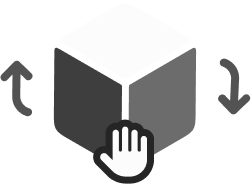
3D Object
Element, Section

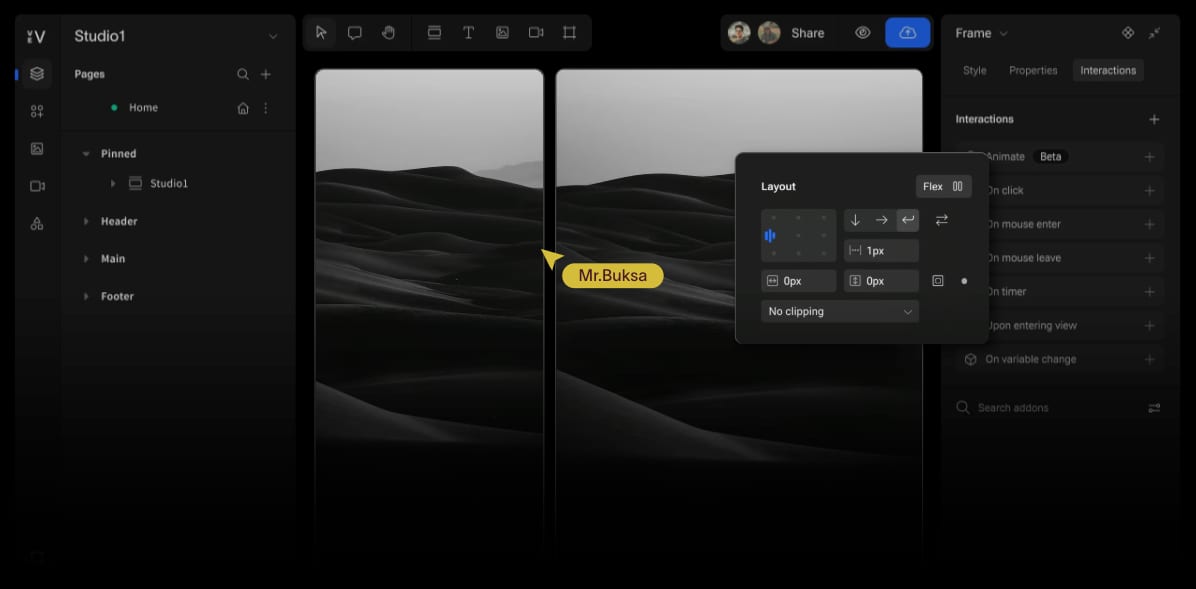
Image Compare
Element, Section

Scrollytelling
Section

Labeled Image
Element
Scroll Progress Bar
Element

Slider
Element

Parallax Effect
Section

Number Counter
Element
Popular Addons
Libraries
Share sections, components, and pages across your teams for efficient collaboration with Libraries.
Main Components
Build reusable main components that preserve structure and style. Updates reflect across all instances.
Themes & Variables
Use Themes to set your brand styling or Variables to set custom interactions.
States & Variants
Use States and Variants for modular design flexibility, storing multiple layout options and interaction states within a single component.
Create with AI
Instantly generate pages based on your design system with Vev’s AI-powered page drafting tool.
Reusable design systems
Scale with consistency
Create scalable, brand-aligned experiences with a design system built on atomic principles.
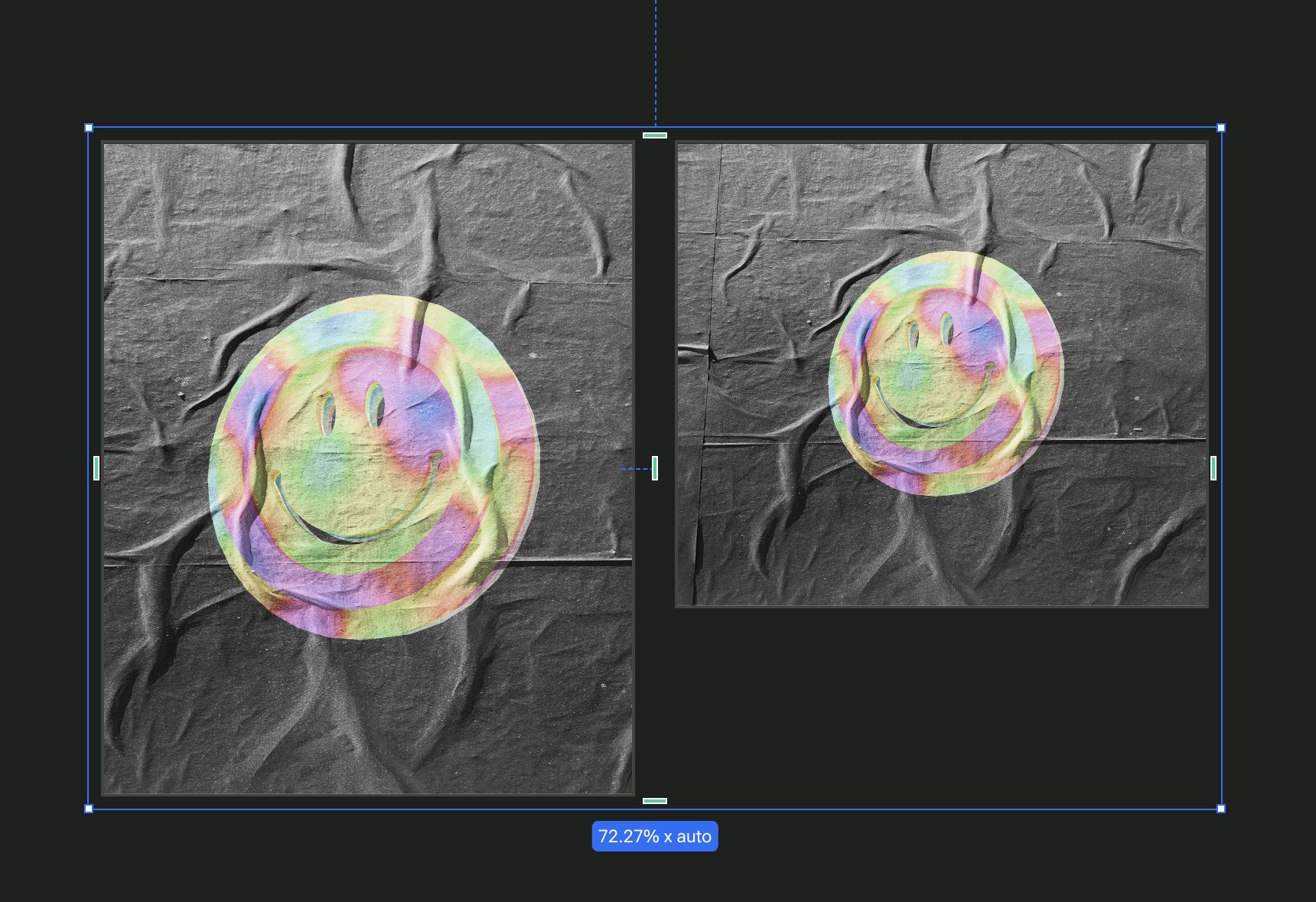
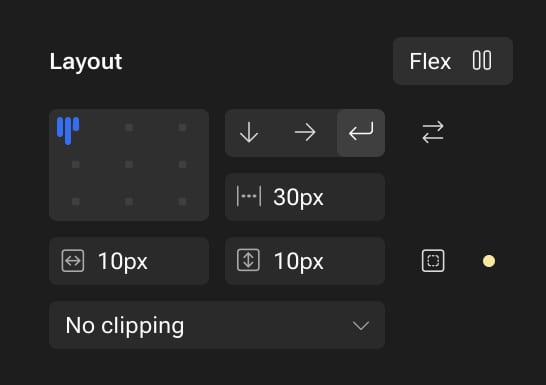
Responsive by design
Fluid design. Anywhere. Every time.
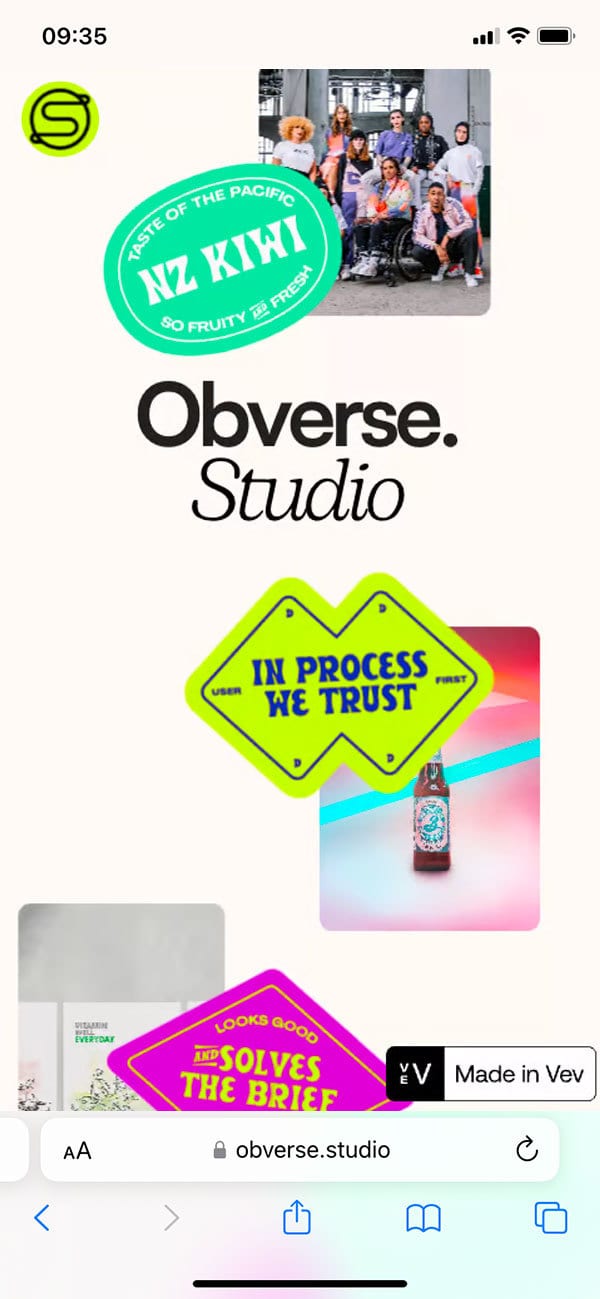
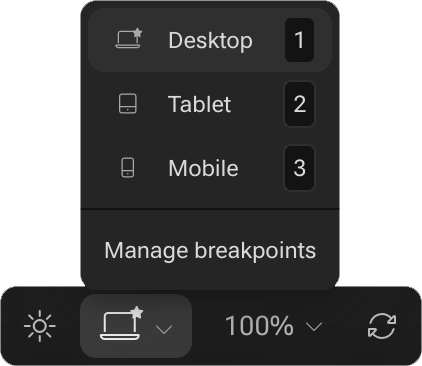
Vev’s layout engine ensures your designs adapt effortlessly across breakpoints and screen sizes.


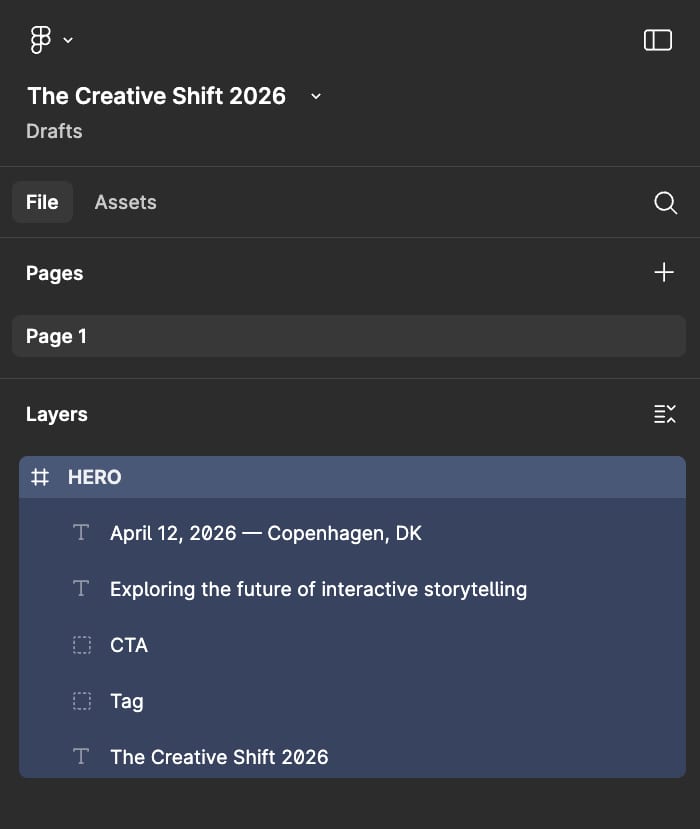
The Creative Shift 2026
EVENT
Get tickets
Exploring the future of interactive storytelling
0d 0h 0m 0s
April 12, 2026 — Copenhagen, DK
Speakers
Program
Sponsors
Figma Import
The creative shortcut between prototyping and publishing
Bring your Figma designs to life with Vev and transform them into interactive, responsive content that’s ready to publish.
Want to explore more?
One platform for all web design needs
Prototype, play, and publish in one space with Vev, the ultimate creative extension to your workflow.