
No. Page AI produces a first draft—a structured, editable starting point. The designer's job shifts from blank-canvas assembly to direction, refinement, and decisions that require taste and judgment.
From brief to page, in minutes
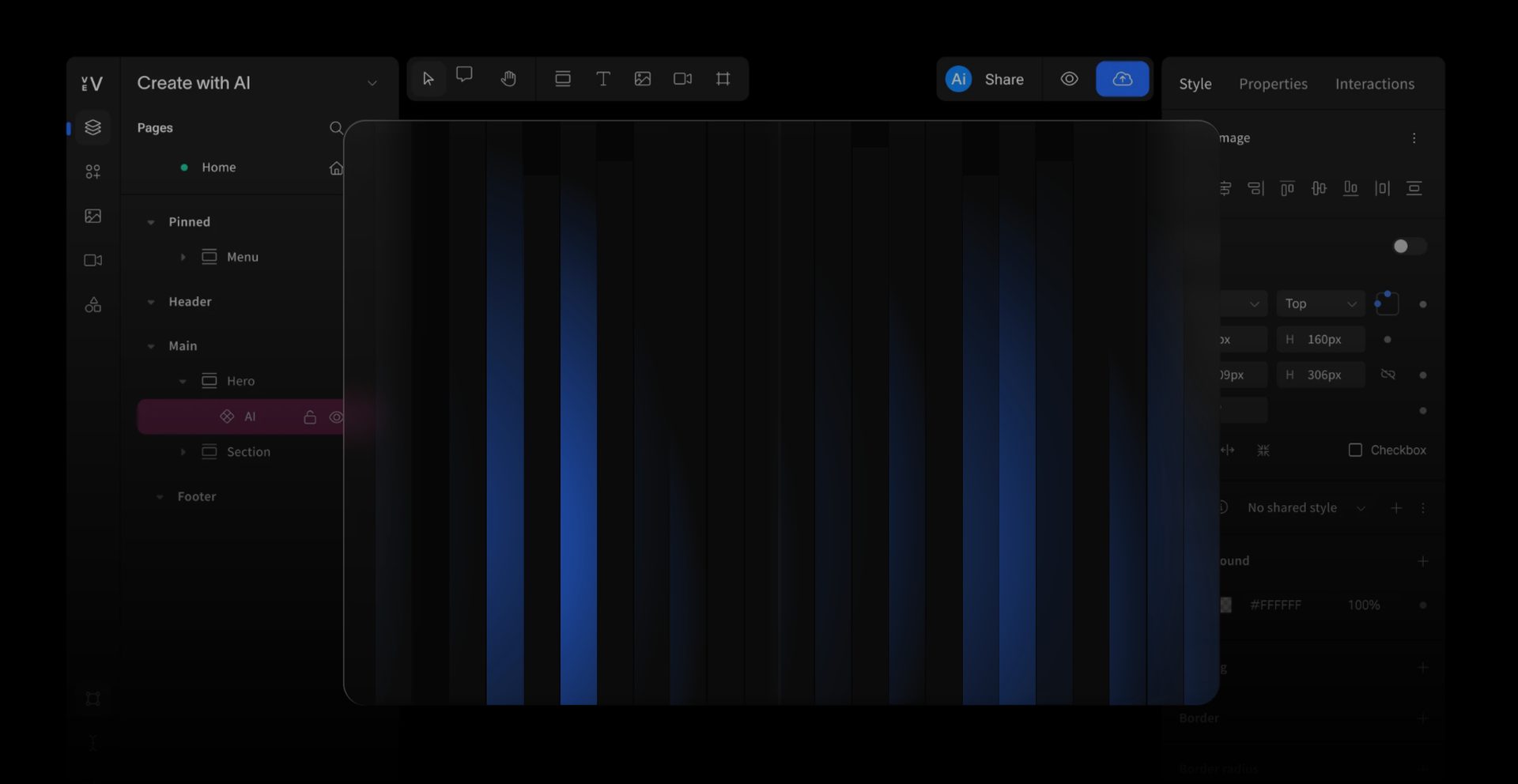
Page AI turns a creative brief into a fully structured, on-brand Vev page—complete with your design system, real interactive components, and scrollytelling. Not a starting point. A working draft.
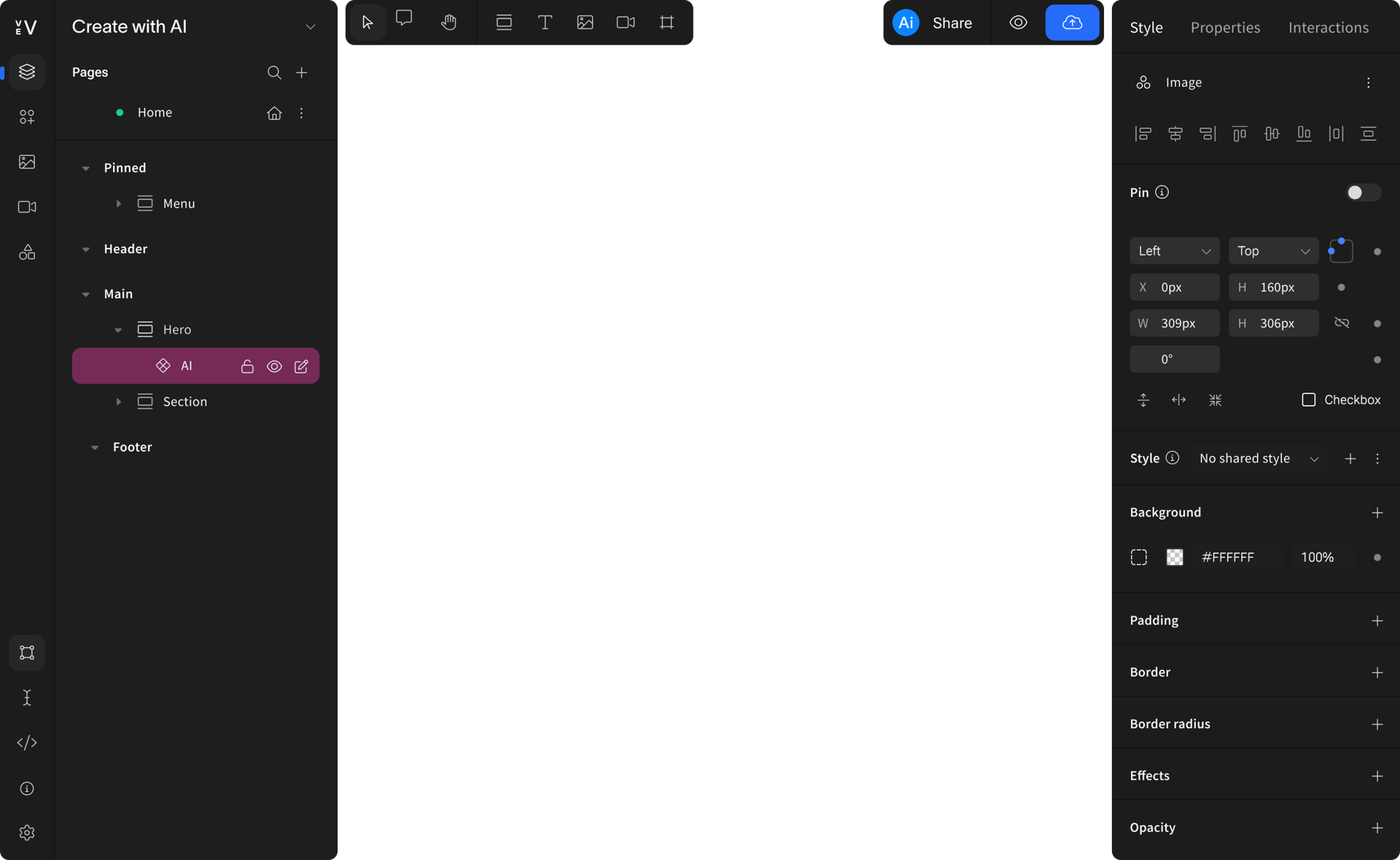
Create a shape made of tightly packed particles — starting as a circle. When the cursor moves near it, particles at the nearest edge scatter away, eroding the shape. As the cursor continues, the scattered particles should regroup on the opposite side and reform into a square. Each cursor pass morphs the shape between circle, square, and triangle in a cycle.

Draft your page
Describe what you need and I'll ask a few quick questions to get the theme, structure, and copy right.
Describe the page you want to create
How Page AI works for you
Page AI doesn't guess. It asks, proposes, and waits for your approval before a single component is generated.
Step 1
Describe your page
Type a brief. Drop in a reference image, a brand URL, or existing copy. Page AI picks up what you give it.
How Page AI works for you
Page AI doesn't guess. It asks, proposes, and waits for your approval before a single component is generated.
Step 1
Describe your page
Type a brief. Drop in a reference image, a brand URL, or existing copy. Page AI picks up what you give it.
Who is the primary attendee?
Healthcare & life sciences
Premium accent – which direction?
Photography direction?
Which industry vertical?
Leaning into the flagship-summit positioning with a cool, paper-white base and deep ink type – therestraint itself becomes the premium signal, and editorial portraits will carry the warmth.
Flagship industry summit
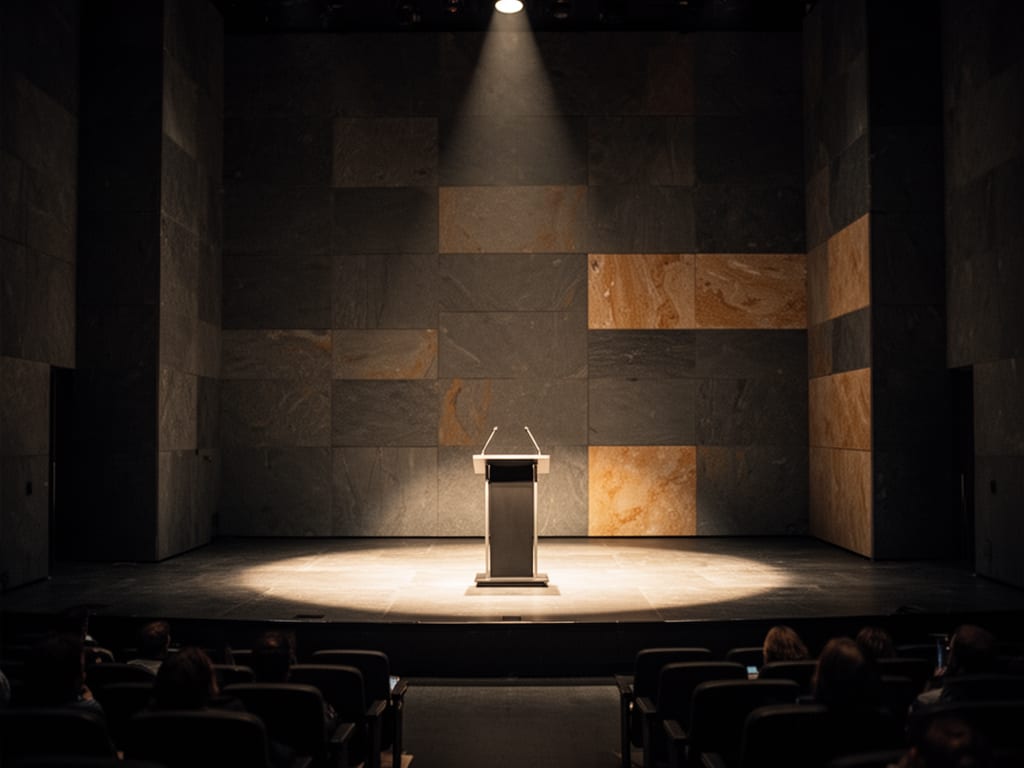
You've given me a lot to work with — format, tone, audience, and the monochrome direction are all locked. Two quick questions to sharpen the brand feel before I propose a theme:
Editorial portraits of speakers
Pure monochrome (no accent)
How should the event positioning feel?
C-suite & executives
Step 2
Approve the plan
Page AI proposes a theme and a section structure. You review, refine, or redirect before any generation happens.
Step 3
Watch it build
Sections stream into the editor in real time, one by one. Every element is a native Vev component. Fully editable the moment it lands.
Step 1
Describe your page
Select your brand Theme and drop in a reference image or a brand URL. Page AI picks up what you give it.
Step 2
Approve the plan
Page AI proposes a section structure. You review, refine, or redirect before any generation happens.
Step 3
Watch it build
Sections stream into the editor in real time, one by one. Every element is a native Vev component. Fully editable the moment it lands.
Who is the primary attendee?
Healthcare & life sciences
Premium accent – which direction?
Photography direction?
Which industry vertical?
Leaning into the flagship-summit positioning with a cool, paper-white base and deep ink type – therestraint itself becomes the premium signal, and editorial portraits will carry the warmth.
Flagship industry summit
You've given me a lot to work with — format, tone, audience, and the monochrome direction are all locked. Two quick questions to sharpen the brand feel before I propose a theme:
Editorial portraits of speakers
Pure monochrome (no accent)
How should the event positioning feel?
C-suite & executives
Step 1
Describe your page
Type a brief. Drop in a reference image, a brand URL, or existing copy. Page AI picks up what you give it.
Step 2
Approve the plan
Page AI proposes a theme and a section structure. You review, refine, or redirect before any generation happens.
Step 3
Watch it build
Sections stream into the editor in real time, one by one. Every element is a native Vev component. Fully editable the moment it lands.
Describe the page you want to create
Who is the primary attendee?
Healthcare & life sciences
Premium accent – which direction?
Photography direction?
Which industry vertical?
Leaning into the flagship-summit positioning with a cool, paper-white base and deep ink type – therestraint itself becomes the premium signal, and editorial portraits will carry the warmth.
Flagship industry summit
You've given me a lot to work with — format, tone, audience, and the monochrome direction are all locked. Two quick questions to sharpen the brand feel before I propose a theme:
Editorial portraits of speakers
Pure monochrome (no accent)
How should the event positioning feel?
C-suite & executives
AaBbCcDdEeFf
Describe the page you want to create
Step 1
Describe your page
Type a brief. Drop in a reference image, a brand URL, or existing copy. Page AI picks up what you give it.
Draft your page
Describe what you need and I'll ask a few quick questions to get the theme, structure, and copy right.
Describe the page you want to create
Built for how design teams actually work
It lives inside Vev, connected to your design system and your publishing workflow from the start.
See How Page AI Fit into the Wider Vev Worklow →
For teams getting started with Vev
See the platform's full range from day one
Page AI gives new users an immediate sense of what Vev can produce—so you spend less time figuring out what's possible and more time building toward it.
For teams already using Vev
Extend what you've already built
Page AI reads your brand’s theme and generates pages that slot straight into your design system. Use it to generate your libraries without starting from scratch.
How Page AI compares to other AI builders
Page AI reads your brand’s theme—colors, typography, spacing—and generates pages that slot straight into your design system. Use it to generate campaign variants without starting from scratch.
Editable output
✓ Native Vev components
✗ Locked or flat HTML
1 user
1 user
Approve before generation
✓ Theme + section plan gate
✗ Commits on first prompt
Unlimited
Unlimited
Brand-aware
✓ Reads your Vev theme
✗ Generic styling
✓
✓
Scrollytelling
✓ Multi-slide generation
✗ Not supported
✓
✓
Stays in your workflow
✓ Inside Vev editor
✗ Separate tool or export
✓
✓
Page AI generates native Vev components. Every section is live in the editor. Every element is adjustable.
Other AI page builders generate flat HTML or locked-down templates you can't edit without breaking things.
Page AI
Typical AI builders
Brand-aware by design
Page AI reads your active Vev theme—colors, typography, spacing—and applies it from the first section. Or it proposes Theme for you to approve before anything generates.
Learn More about Themes →
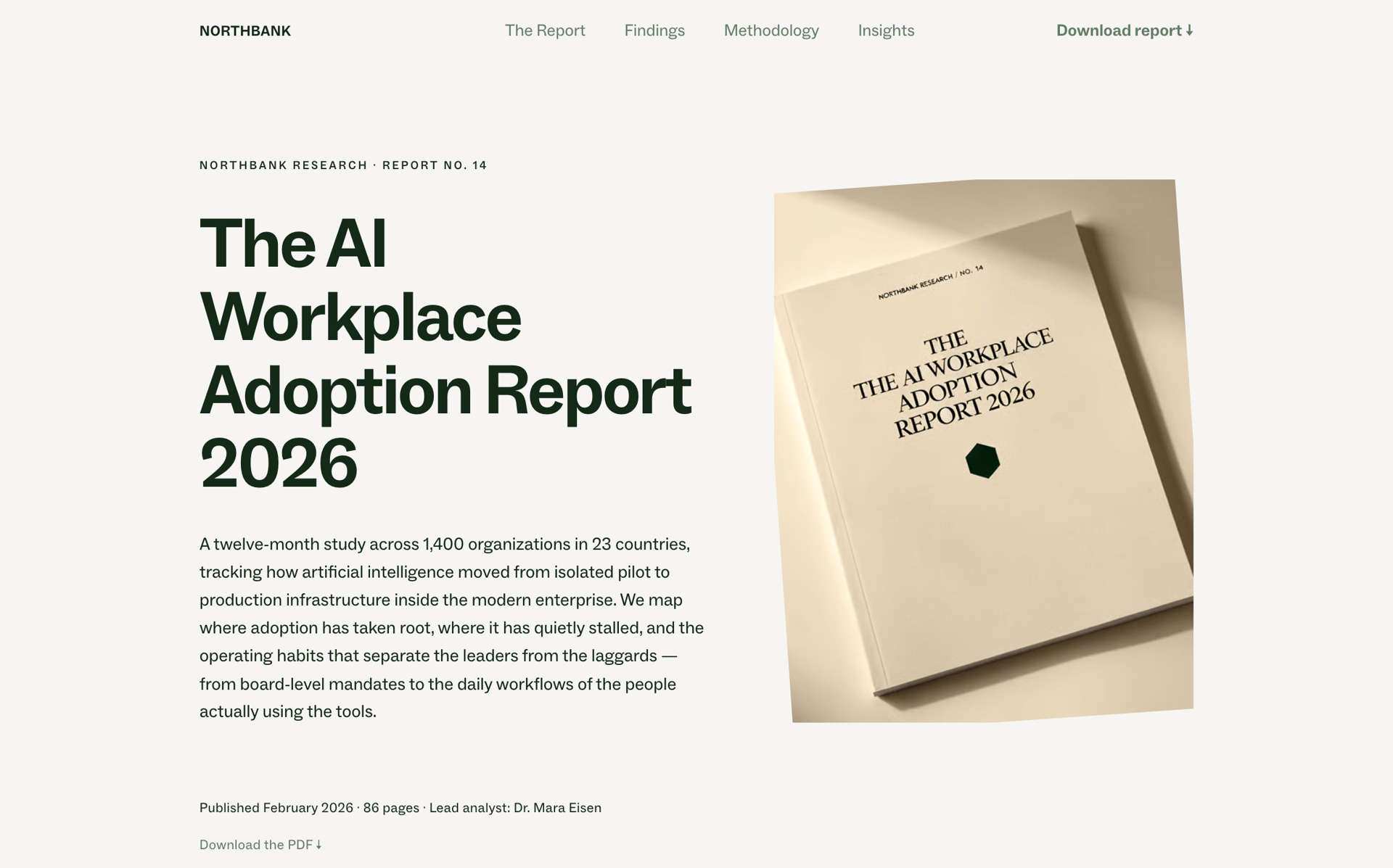
See an example →
Campaign landing pages
Three layout variants. One afternoon.
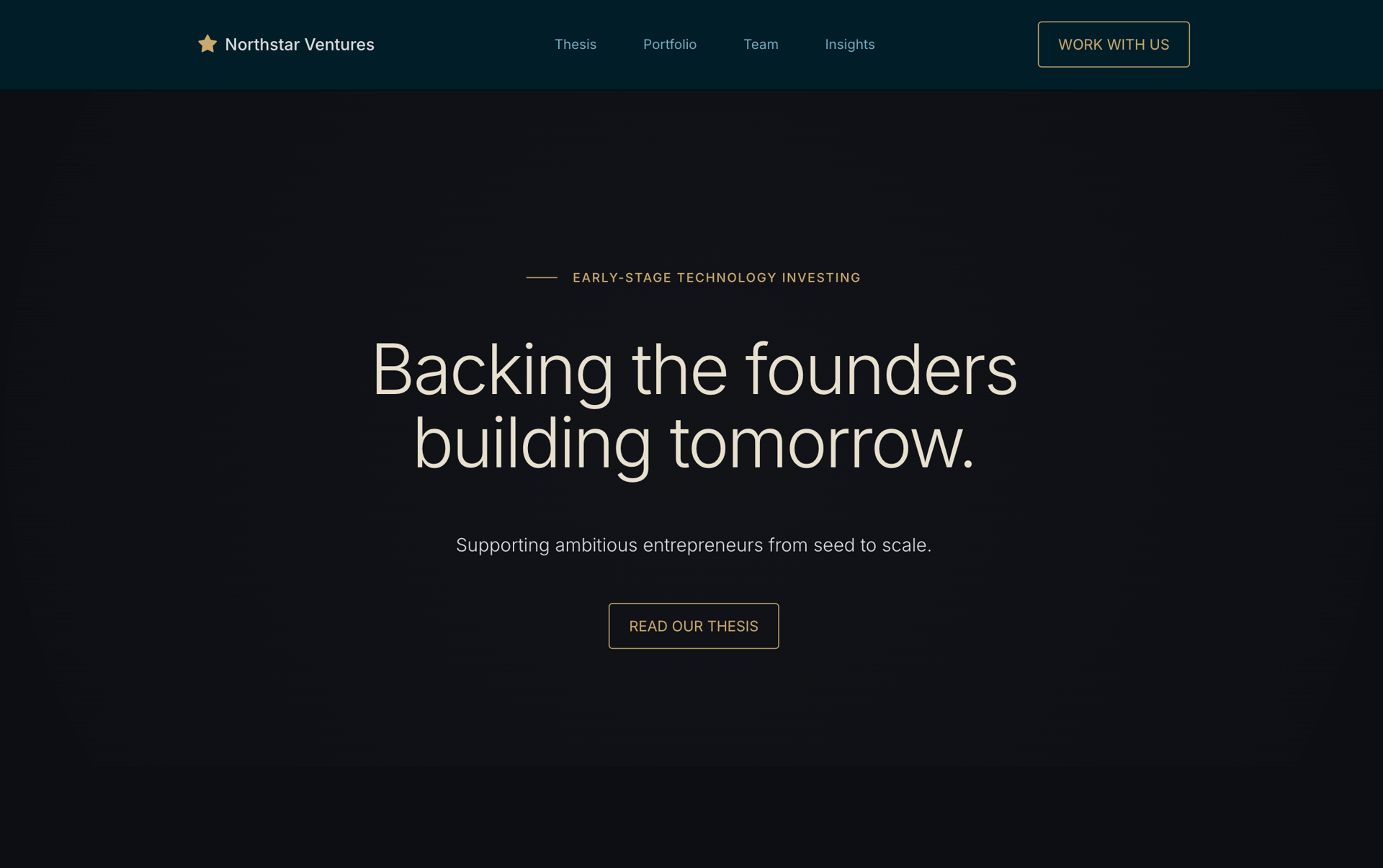
See an example →
Pitch and proposal pages
Branded mockups. Brief to ready in an hour.
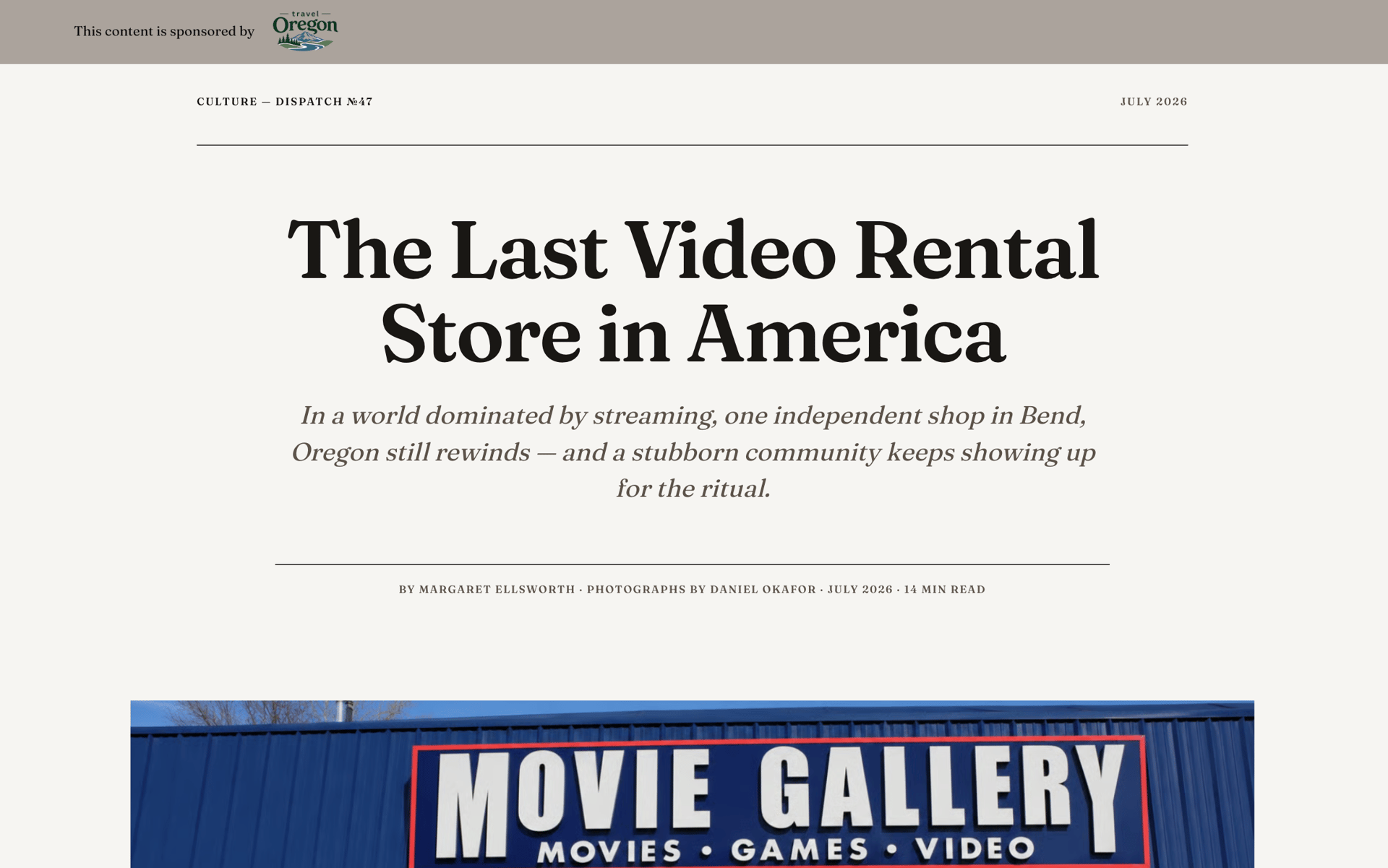
See an example →
Editorial scrollytelling
Describe the story. Watch it build.
Examples of what Page AI can produce
Page AI reads your active Vev theme—colors, typography, spacing—and applies it from the first section. Or it proposes Theme for you to approve before anything generates.
FAQ
Page AI can propose a theme for a new project based on a brand URL or reference images you provide. You review and approve it before anything is generated. For enterprise clients, get in touch with us for help getting set up with Themes in Vev.
Most AI builders produce flat, locked output from a single prompt. Page AI keeps you in control before generation commits—you approve the theme and section plan first—and the output is real, native Vev components that you refine inside the editor you already use.
Page AI works best with a defined Vev theme and an active project. New users can generate a theme as part of the flow.
Your next page starts with a brief
Describe what you need. Page AI handles the structure. You handle the craft.