
A guide to the best website mockup tools
August 20, 2024
Words by Jeff Cardello
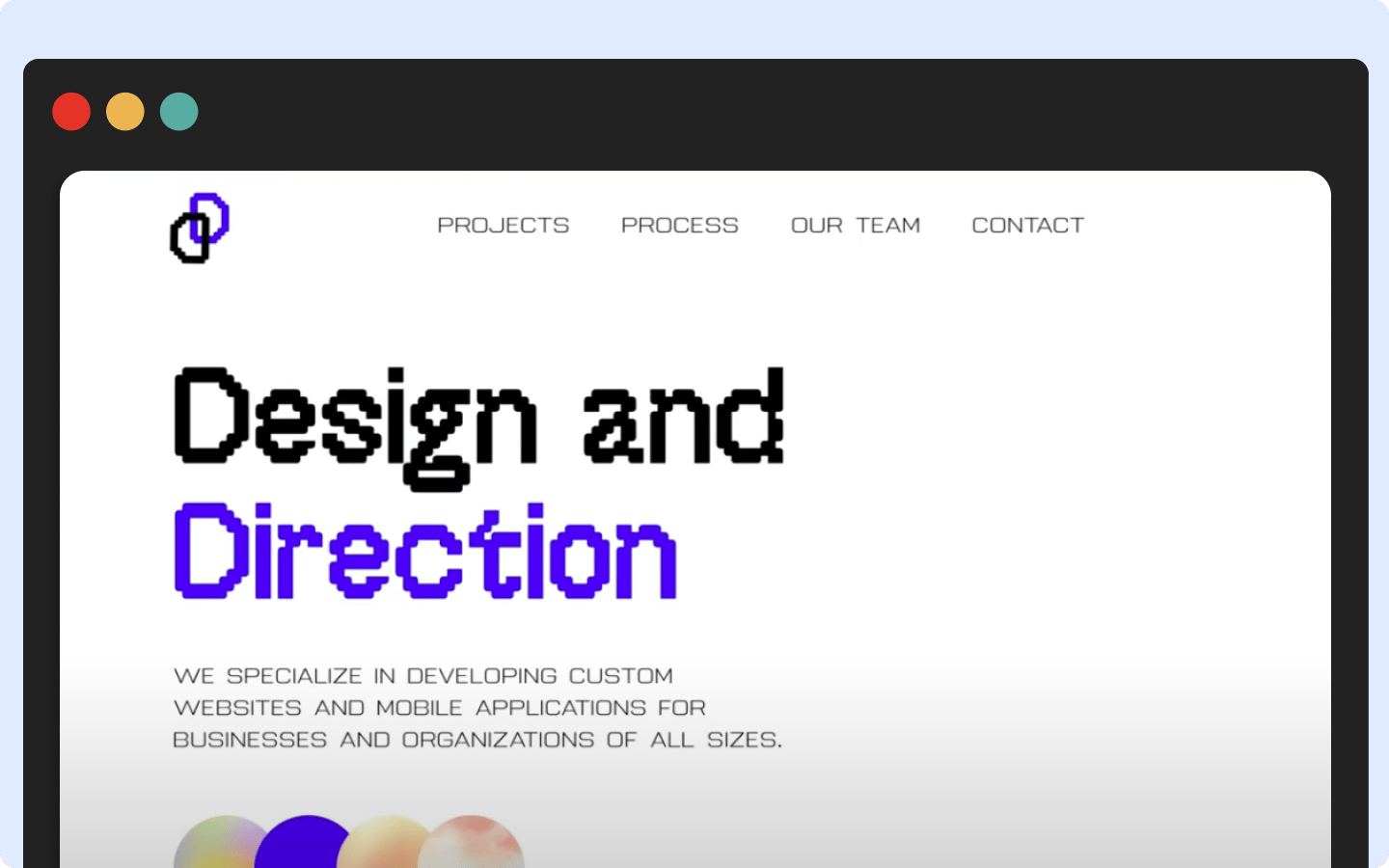
Mockups are a key step of the web development process that enable designers to experiment with different layouts, get feedback, make changes, and receive that all-important green light of approval to move forward.
If you’ve ever wondered what some of the best website mockup tools are out there we’re going to cover some of the most popular and what makes them useful.
What is a website mockup tool?
Mockups are your chance to wow your collaborators with a visual model that captures the look and personality of a web app. Website mockup tools give you all of the building blocks and functionality you require in pulling off a high-fidelity representation that brings absolute clarity in how visitors will experience it.
What to look for in a website mockup tool
Usability
It’s no fun to have to put a project on hold while you learn a tricky piece of software. The best website mockup tools have gentle learning curves, making it easy to understand the basics so that you can focus on the more artistic aspects of creating a design.
Responsive design
Why not get a head start in figuring out if a web app will look good at different breakpoints? Tools that allow you to test how a mockup will appear on various screen sizes help you address any potential responsiveness issues before they become more difficult to correct.
Design tools
Mockups capture in high-fidelity the visual experience of a web design. Getting a mockup to look close to the end product requires the power to customize the color scheme, set typography, arrange the layout, add UI, and integrate other essential features. Website mockup tools that let you put together design systems or style sheets, which are so important in maintaining consistency, are an added bonus.
Sharing and collaboration
Designers, content writers, and others working on a project should be able to preview a mockup, make changes if they have permission, add comments, as well as track any changes.
Template and libraries
If you’re building a traditional website, landing page, e-commerce website, or other popular format, ready-made templates will help you put together a mockup fast. Libraries with common design elements like buttons, iconography, text, shapes, and pre-built layout blocks, are all essential in expediting the mockup process.
Educational materials and support
Look for website mockup tools that don’t skimp on documentation and other ways to learn. Video tutorials, blogs, and community message forums are all great ways to learn and get answers to any questions you may have.
Cloud integration and compatibility
It’s helpful to use a website mockup tool that works with other software in your workflow. Look for apps that offer file formats that can be imported without conflicts. Website mockup tools that offer cloud storage with set permissions and version control make it easy for stakeholders to access, preview, and work on a digital project.
The best website mockup tools — a list
1. Vev
While we often talk in this space about all the things you can do with Vev in building interactive websites with beautiful content, it’s also an excellent tool for creating mockups.
First, let’s talk flexibility. With Vev you get complete creative control. Through an intuitive visual editor and on-screen canvas, laying out the elements, selecting colors, setting up styles, and adding UI components is an easy process even for those who’ve never designed before.
And let’s not forget Vev’s tools for collaboration. Once you’ve created a mockup, it’s easy to send out invites and set permissions. This is an important part of the feedback process, giving those you’re working with the chance to add comments or annotations, as well as make changes if they have access to do so. Or let’s say you just want static image files that you can pop into a presentation or print out for stakeholders. You can import your project into Figma and turn it into a pdf, png files, jpeg images, or svgs.
While many website mockup tools generate a basic visual representation, creating a mockup with Vev results in a website in progress, complete with all the underlying code. The differences between a mockup, prototype, and website built with Vev, depend on the extent of development. Making the leap from one phase to the next only means adding the necessary interactivity, visuals, and content. There’s no need to hand off a mockup to a developer, as it’s a fully realized web design with all the HTML, CSS, and JavaScript already built into it.
Lastly, we hope you choose Vev for our community, where you’ll find video lessons as well as an active message forum, where you can get more information on how to use Vev and explore its creative possibilities.
Want More Inspo?
Get our monthly newsletter straight to your inbox.
You can always unsubscribe at any time.
Privacy Policy
2. Figma
With its easy to navigate UI, component libraries, automations, design systems, and third-party plugins, Figma makes it easy to create anything from static mockups to fully functioning prototypes.
It’s important that even at early stages in the development process to create something that feels consistent. Figma offers a seamless way to create and work with design systems, and connect them to projects, ensuring that styles like typography, padding, color schemes, and alignment are uniform across a design. Presenting a mockup where things are out place, is never a good look, and Figma makes it simple to maintain consistency.
Another great part in using Figma is how well it integrates with Vev. Vev lets you import mockups created with Figma, and translate them into Vev web designs, saving you much in both time and effort.
3. Adobe XD
If you’re already working within the Adobe Creative Cloud you’re familiar with its system of toolbars, panels, and menus that’s consistent across its products. If you know how to use Photoshop to create shapes, size elements, work with text, and arrange layers, you’ll be able to jump into Adobe XD without any difficulties. Another benefit of Adobe is its seamless integration, allowing you to transfer projects between apps like Adobe XD, Photoshop, and Illustrator without encountering file format issues or other compatibility hangups.
Much like Illustrator, Adobe XD is vector-based, meaning you can scale up designs without losing any quality. This is particularly helpful if you want to blow up a mockup to see how it will work on larger screens. In addition, Adobe XD is well suited for building responsive designs giving you a wide selection of options in previewing it on different device screens and automatically adjusting the layout, depending on its particular dimensions.
Along with its built-in functionality there’s a wide range of plugins and integrations available. Whether you want to import animations made in After Effects via Lottie, check accessibility with Stark, or choose from the many UI kits out there, there are a multitude of tools to improve your workflow.
4. Moqups
Moqups stands out with a gigantic library of design elements, collaboration tools, and a crisp drag-and-drop interface which makes for a smooth and user-friendly design experience.
There’s so much to like about its component collection called Stencils. From its lengthy menu panel you’ll find elements for text, graphics, paragraphs, buttons, as well as other layout features, that you can grab and pull over onto the canvas. You can then further style these from their default settings to dial in the visual look you’re after.
Along with this comprehensive collection of website mockup tools, Moqups also makes it easy to share, add annotations, as well as a quick preview button. Multiple people can work on a project at the same time if needed, and all changes are tracked making it easy to keep everyone’s work in sync.
5. Adobe Photoshop
Outside of taking a pen to paper, using Adobe Photoshop is one of the easiest ways to assemble a mockup. With its system of layers, smart objects, and a user interface that most designers already know, it’s a simple and bare-bones approach to building high-fidelity mockups.
Because Photoshop has been around for so long and is used by many designers there’s no lack of resources out there. Anyone who wants to get started in creating mockups will find online forums, tutorials, UI kits, and other resources that will get you up an running.
6. Sketch
For designers who would rather work outside of Adobe, Sketch seems to be the go-to alternative. With a lighter-weight experience and focused tool set, Sketch offers a great entry for beginners while packing enough features that even advanced designers will find beneficial. Currently, Sketch is only available as a macOS app.
With its slick templates, art boards for creating design variations, and powers of defining reusable elements via Symbols, Sketch offers efficiency and flexibility. Along with all that it can do on its own, there’s also a healthy market of plugins like Zeplin for developer handoff, Anima Layout to facilitate responsive design, and Sketch Measure for generating layout specs.
7. UXPin
From creating wireframes to building mockups and prototypes, UXPin puts together a comprehensive suite of tools that spares you from having to purchase multiple apps. With its breezy UI and drag-and-drop libraries of customizable shapes, icons, graphics, text elements, and other building blocks, it doesn’t take much time to come up with a great-looking mockup.
UXPin also has a gigantic library of educational resources including tutorials, webinars and e-books. Whether you want to learn something basic, like how the design editor works, or something more complex like integrating conditionals and states into functional prototypes, UXPin covers a variety of topics.
Go from mockups to real websites without any extra steps
A Vev mockup isn’t a still-life of a design, but an actual functioning website. Vev eliminates all of the time that goes into creating mockups and prototypes, giving you a living mockup and prototype that can be directly published to the web when you're ready.
Design more efficiently, impress clients or internal stakeholders, and get your creative work out to the world faster — all through the power of Vev.