
What’s New: Scrollytelling. Turn Every Scroll Into a Story
March 30, 2026
Words by Vev
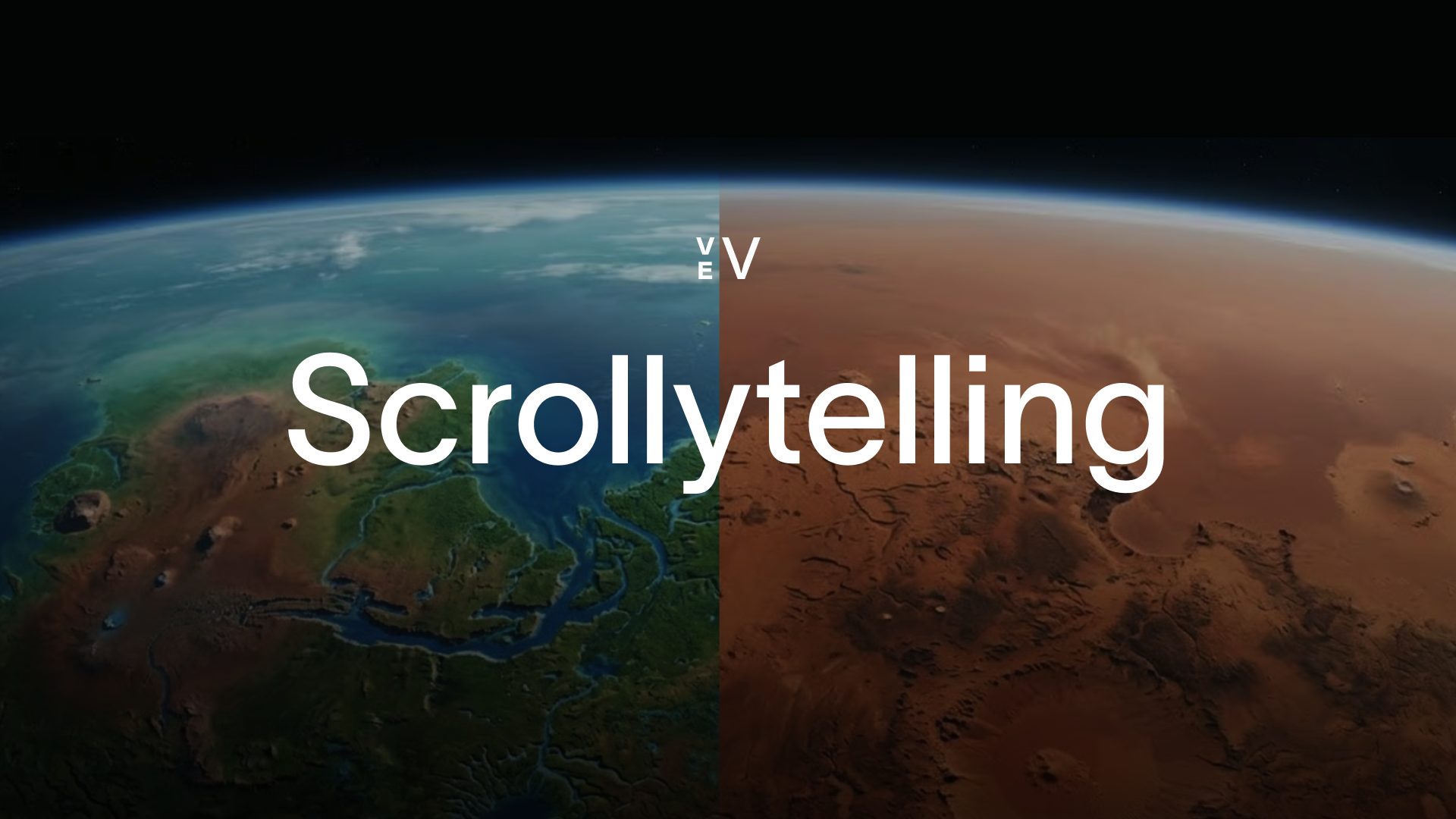
Some of the most memorable content on the web has one thing in common: the page feels alive as you move through it. Visuals shift with the story. Context changes as you read. That's scrollytelling — and if you've been building with Vev for a while, it's a format you know well.
Scrollytelling, evolved
Vev's ‘Scrollytelling Image’ and ‘Scrollytelling Video’ components have been used by some of the world’s leading publishers and brand studios to build scroll-driven stories behind some of their most memorable editorial work.
But they were each built for one thing. Images, or video.
Our new Scrollytelling component lets you mix images, videos, or whatever the story calls for, all in one place. The format follows the story, not the other way around.
Here’s what you can build
From editorial long-reads to product showcases to data stories: here are a few things teams are already building with it.
1. Long-form articles
Background visuals that change with the story make long reads feel extra engaging. Set the mood for a section with a full-bleed image, let it give way to the next as the reader moves on.
Ridgeline
2026 Impact Report
Chapter One
The Weight We Carry
The outdoor industry produces over 2.1 billion pounds of textile waste annually. For every jacket sold, three end up in landfill within five years. We love wild places — but the way we equip ourselves to reach them is destroying what we set out to find.
At Ridgeline, we stopped pretending the problem was someone else's. In 2022, we audited our entire supply chain. The results were uncomfortable. Our carbon footprint per garment was 34kg CO₂ — nearly double what we'd estimated. Our packaging alone generated 180 tonnes of single-use plastic per year.
This report is about what happened next.
Chapter Two
Turning the Tide
We rebuilt from the thread up. Every Ridgeline product now uses 100% recycled or regenerative fibers — sourced from ocean-recovered nylon and post-consumer polyester. Our dye process shifted to waterless digital printing, cutting water usage by 89%.
We eliminated all virgin plastic from packaging and replaced it with mushroom-based mycelium foam that composts in 45 days. Our factories transitioned to renewable energy, with three facilities now running entirely on solar.
But materials are only half the story. We launched Ridgeline Repair — a free lifetime mending service that has kept over 40,000 garments out of landfill since 2023.
Chapter Three
What Grows From Here
Since 2022, we've reduced our per-garment carbon footprint by 61% — from 34kg to 13.2kg CO₂. We've diverted 520 tonnes of waste from landfill and restored 1,200 hectares of alpine meadow through our Rewild Partnership.
By 2028, we aim to become the first carbon-negative outdoor brand. Not through offsets — through genuine reduction and sequestration. Every Ridgeline product will carry a full lifecycle transparency label, so you can trace its journey from raw material to your doorstep.
The mountains don't need more promises. They need proof.
Read the full report
Download the full report
2. Product showcase
There's only so much a bullet list can do. Scrollytelling lets you walk users through a product visually, transitioning between angles, feature states, or comparisons.

3. Timelines
Scroll and chronology are a natural fit. As users move through a timeline, the background shifts to reflect each moment: whether that's a brand history, a project retrospective, or a news story playing out over time.


The Road to Jezero
Mars does not give up its secrets easily. For six decades, we have sent scouts into the dark—some vanished into the void, others redefined our place in the cosmos. This is the path that led us here.
4. Hero banners
A scrollytelling hero pulls people in before they've read anything. The page moves, something happens, and suddenly they're already engaged.


Discover
new places
Teleportation is the transfer of matter or energy from one point to another without traversing the physical space between them.
Get started with Scrollytelling
To add one to your page:
Add → Scrollytelling (under "Components") → add Blocks in Edit Mode → place your content on top → adjust height to control pacing.
👉 Documentation: Scrollytelling element
Watch our Scrollytelling tutorial
In this tutorial, you’ll discover how to build interactive content that responds to user scroll, using transitions like horizontal scroll, fade, and stacked effects. Learn how to use Vev’s Scrollytelling component to create immersive, scroll-driven storytelling experiences for the web.
One component. Every format.
Go tell a story.
Your next long-read, product page, or data story deserves better than a wall of text. Now it can have it.