Resources & guides / Horizontal scrolling

Horizontal scrolling:
A new dimension to interactive content

Guide: 1 min read

Guide

12 min read

Updated · Apr 2026

Create with AI

Horizontal scrolling brings a refreshing, new dimension to web content. By introducing horizontal scrolling, you can add fluidity, novel interactivity, and clever visual breaks to create highly-engaging interactive content.

Annual report design, Vev, no code, interactive report design

Basics

What is horizontal scrolling?

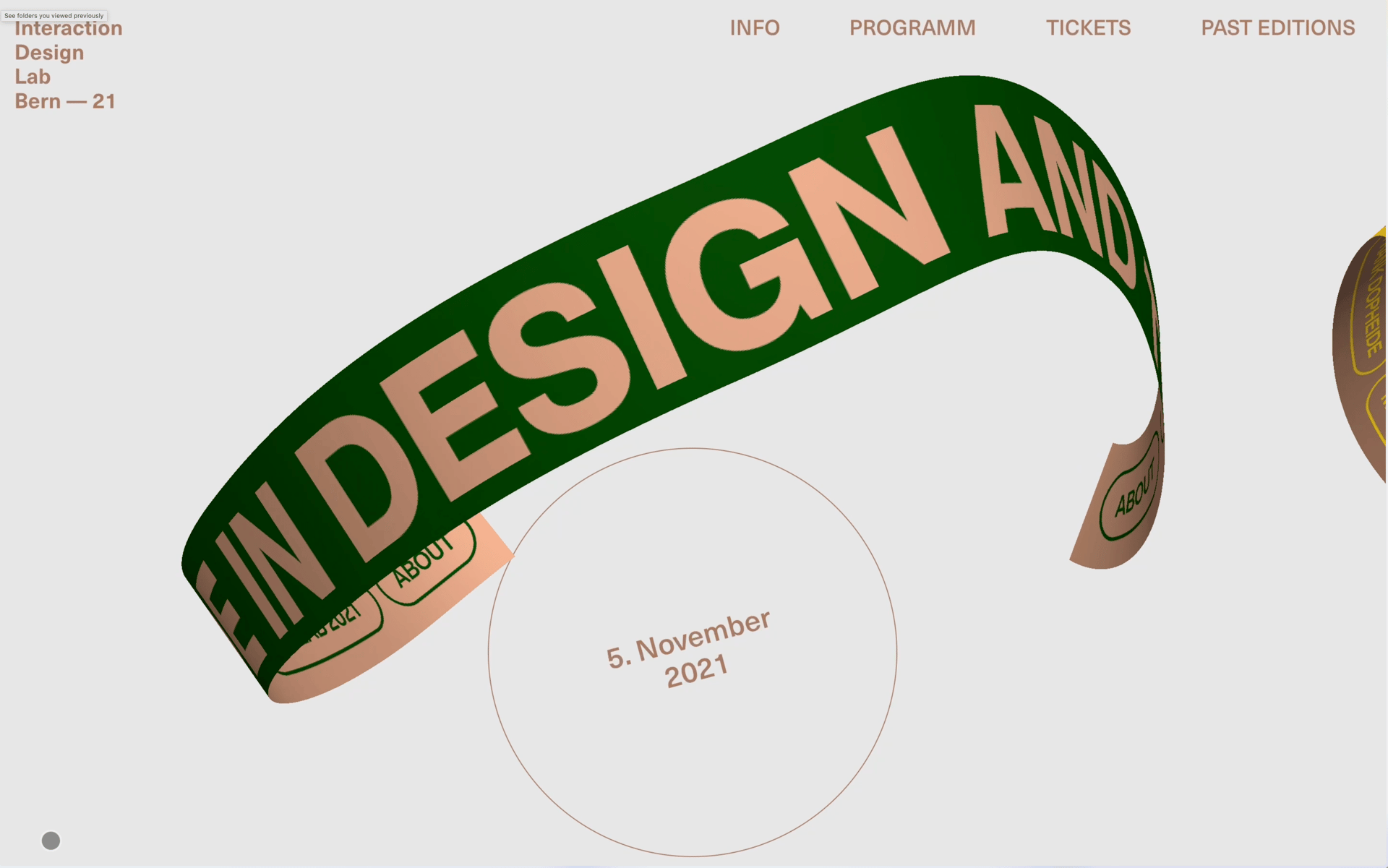
Horizontal scrolling is a web design technique that serves up content horizontally, left-to-right as readers scroll through a page—breaking with a traditional vertical top-to-bottom scrolling experience. Originally considered a web design faux pas, it brings a refreshingly different interactive dimension to the web. When used sympathetically, horizontal scrolling can transform static digital content into more visually appealing and engaging experiences.

Horizontal scrolling in and of itself doesn’t sound that groundbreaking—it’s a web page format, after all. Yet, play around with different content types and dynamic elements, such as scroll-triggered videos, parallax images, text animation, and data visualization, and you’ll quickly see the power of this simple visual technique.

Use Cases

What can you do with horizontal scrolling?

Horizontal scrolling is a great choice for anyone looking to create more visually interesting, interactive websites—engaging readers with an unusual and memorable navigational experience. While most web designers use it as a supplement to vertical web experiences, you can build fully-blown horizontal websites.

Horizontal scrolling websites

Want to subvert standard UI design methods and break away from traditional vertical websites? A well-designed horizontal scrolling website is sure to capture audience attention and pique their interest with an unconventional UI experience. It’s particularly great for communicating timeline- and process-based stories, crafting stand-out company homepages, and for delivering slick, interactive presentations.

Horizontal scrolling sections

If a fully sideways website is a bit much, you can also incorporate horizontal scrolling through sections in an otherwise vertical experience. This is great for presenting categories of content—something that Netflix popularized with its sideways genre carousels. It’s also a great way to introduce visual breaks to sustain engagement in long-form content—giving users a refreshing change of pace through novel movement between sections.

Exmples

Horizontal scrolling examples

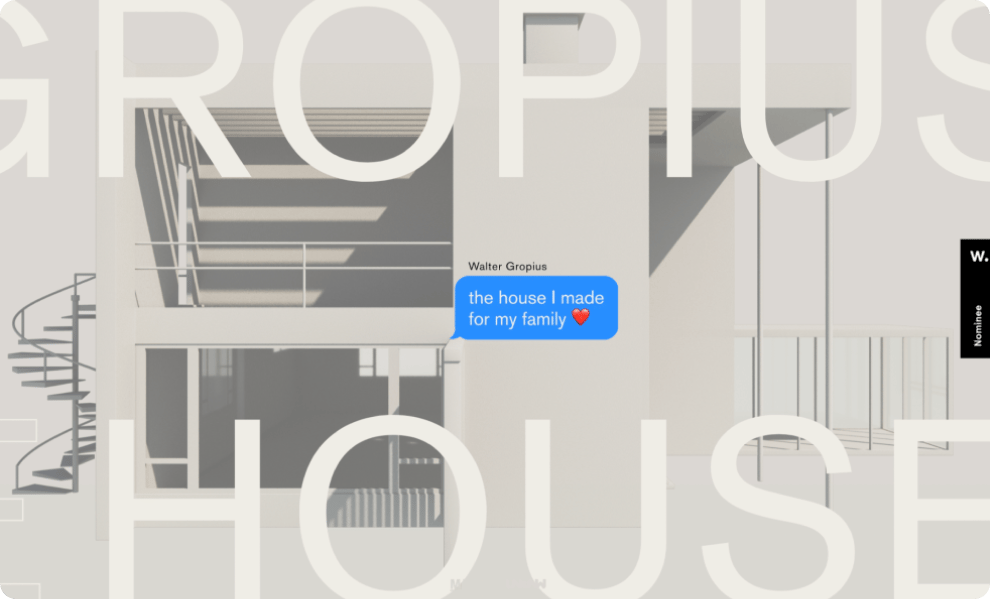
To take a closer look at what’s possible, we’ve compiled some of the most innovative horizontal scrolling websites to inspire your next web project.

Tutorial

How to build a horizontal scrolling website

Horizontal scrolling websites studded with interactive elements look difficult to make—but they are actually deceptively simple. Let’s take a closer look at the three main approaches to building one.

"Even if you don’t know CSS, HTML, or JavaScript, with the help of a no-code website builder you can create custom horizontal scrolling content quickly."

Creating a horizontal scroll container with CSS

If you decide to go the HTML route, you can whip together a horizontal scrolling container using the “overflow” CSS property. The good folk at Codeburst have broken down two neat ways to go about this, the simplest of which just uses the following code:

1
2
3 . scrolling-wrapper {
4    overflow-x: scroll;
5    overflow-y: hidden;
6    white-space: nowrap;
7
8    .card {
9        display: inline-block;
10    }
11 }
12
13
14

As with any type of design, it’s important to pay close attention to the overall page layout, including the margins and padding. You’ll also need to play around with spacing, gutter and viewport size to get the look of your scrolling section just right.

React horizontal scroll resources

You can also build a horizontal scroll section using React code—check out this example from Stackoverflow for scrolling through a card section on hover. To save yourself the heavy lifting, you can also add your own custom code to pre-built horizontal scrolling components in React-friendly website builders. It’s exactly why we built Vev—combining the best of no-code for non-technical users, and low-code for expert coders.

Create a horizontal scrolling website without code

You don’t need to be an expert developer to make your scrolling website a reality. No-code website builders like Vev help creatives design and publish horizontal scrolling sections and websites without needing to code a thing. It’s as easy as dragging the Horizontal Scroll sections you want onto a tactile visual canvas. You can then explore a library of pre-built animations and interactive components to customize your website however you like. If you work with developers, they can jump in and tweak any of the code too.

Full Tutorial ↗

Best Practices

How to use horizontal scrolling to the best effect

As a creative design choice, it can be used in any web project—but to make it work to your advantage, you need to implement it strategically and respect a few UI best practices.

Group content by topic

Showcasing important content in a horizontal manner reduces scrolling effort so users reach relevant information quickly. It allows you to segment your content based on a specific topic or idea of interest.

Create the illusion of a shorter page

Let your readers browse content without needing to continuously scroll to find what they’re looking for, and save vertical page space, giving you more room above the fold to get creative with your design.

Give readers navigational cues

As an unconventional interaction, many users may not know how to properly navigate through horizontal content. To make the users experience more pleasant and natural, horizontal scrolling options should be visually apparent.

FAQs

I have a question about horizontal scrolling...

Horizontal scrolling is a layout technique where content moves along the x-axis as the user scrolls—either with the mouse wheel, trackpad, or touch gestures. Instead of the page extending downward, it extends sideways, creating a cinematic or gallery-style experience.

The key difference comes down to control. With a slider or carousel, content advances in discrete steps—the user clicks an arrow or dot to move between panels. The interaction is mechanical and the pacing is fixed.

With horizontal scrolling, the movement is continuous and tied directly to the user's scroll speed. It feels more immersive because the reader controls the pace. This makes it particularly effective for visual storytelling, product showcases, timelines, and editorial features where you want the experience to unfold rather than paginate.

In practice: a carousel shows you one thing at a time. Horizontal scrolling takes you on a journey.
Several no-code platforms are available for creating horizontal scrolling designs, but you'll find it hard to beat the creative and technical freedom offered by Vev.

Vev gives you to tools to build custom layouts, add multimedia assets, and pre-coded interactive features without the need for coding skills.
When designing in Vev, use responsive design features to ensure that your horizontal scrolling sections adjust to various screen sizes and are easy for readers to navigate, including mobile devices. We have pre-set breakpoints, or you can set your own. You should also use our auto-layout feature when building your design.
Learn more about responsive design

Resources

More on horizontal scrolling

Personal luxury car

The Rise of the Horizontal Scroll Website

Read now ↗

Font

12 Horizontal Scrolling Website Ideas for Your Next Project

Read now ↗

Fashion

11 Horizontal Scrolling Examples that Challenge the Norm

Read now ↗

Material property, Product, Font

Scrollytelling Tools Behind Great Narrative Content

Read now ↗

Ready to create horizontal scrolling web designs?

Create as many projects in Vev as you like for free. Add a plan when you’re ready to share your story with the world.

Soft blue glow on a dark background.